

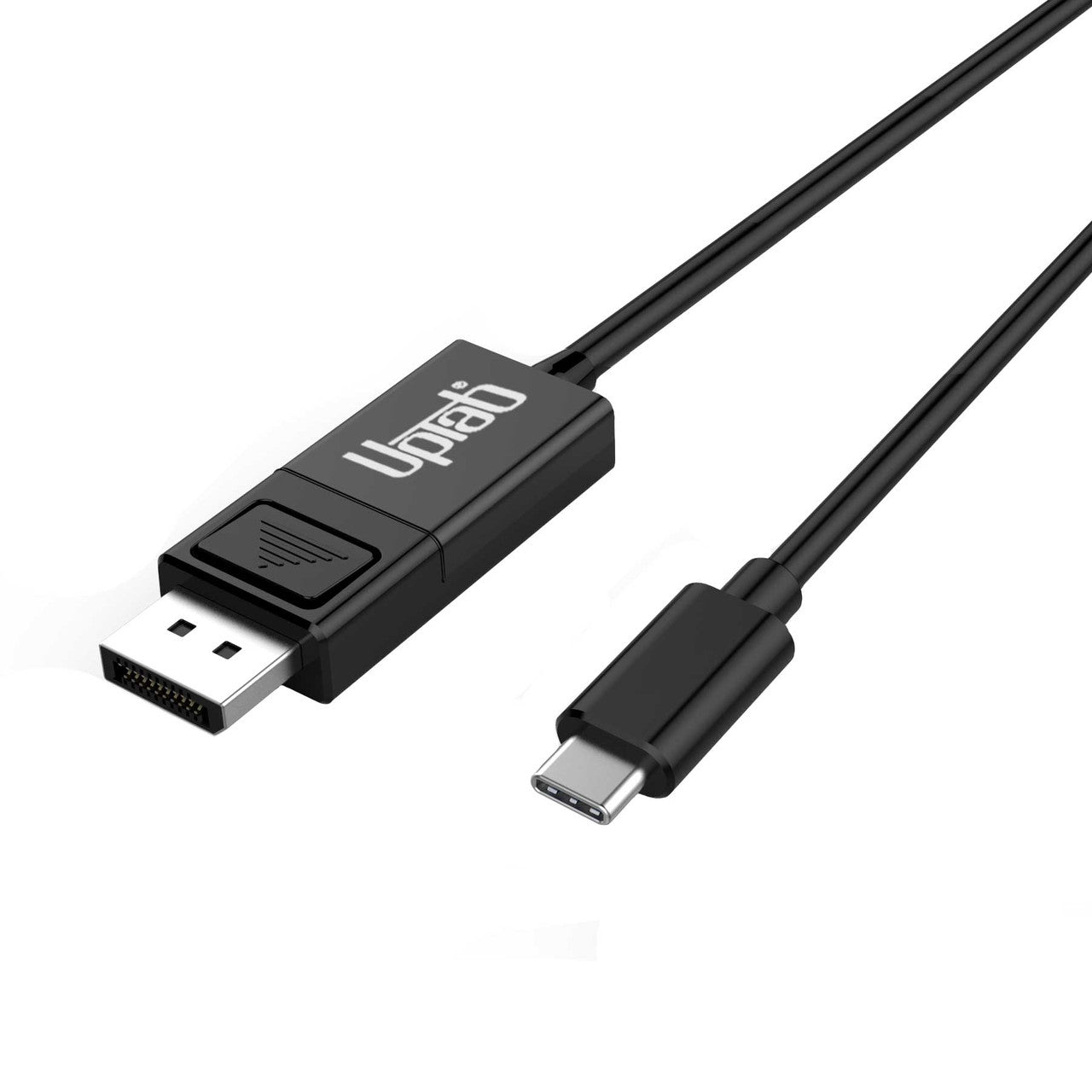
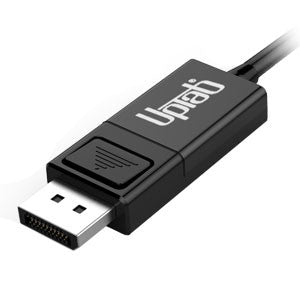
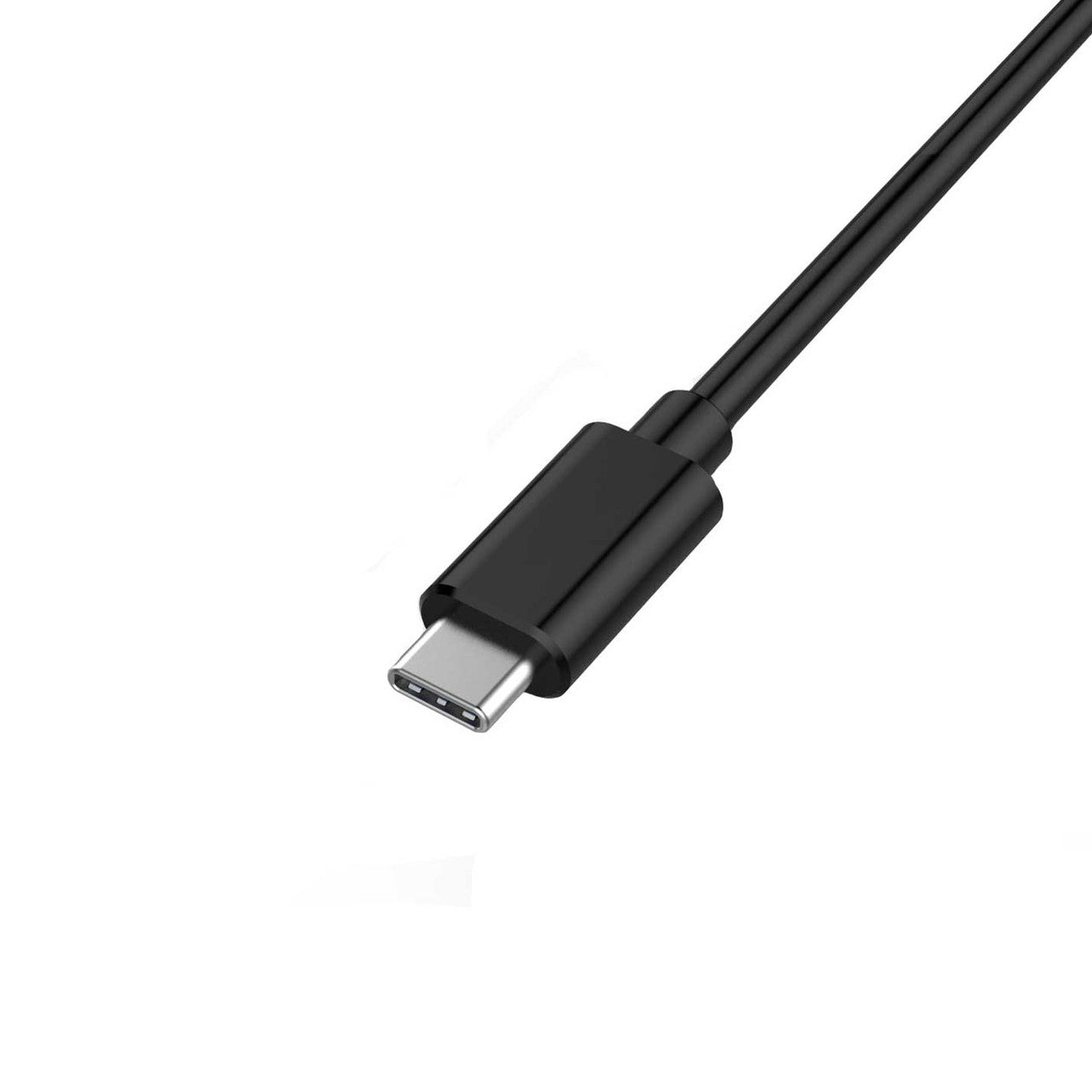
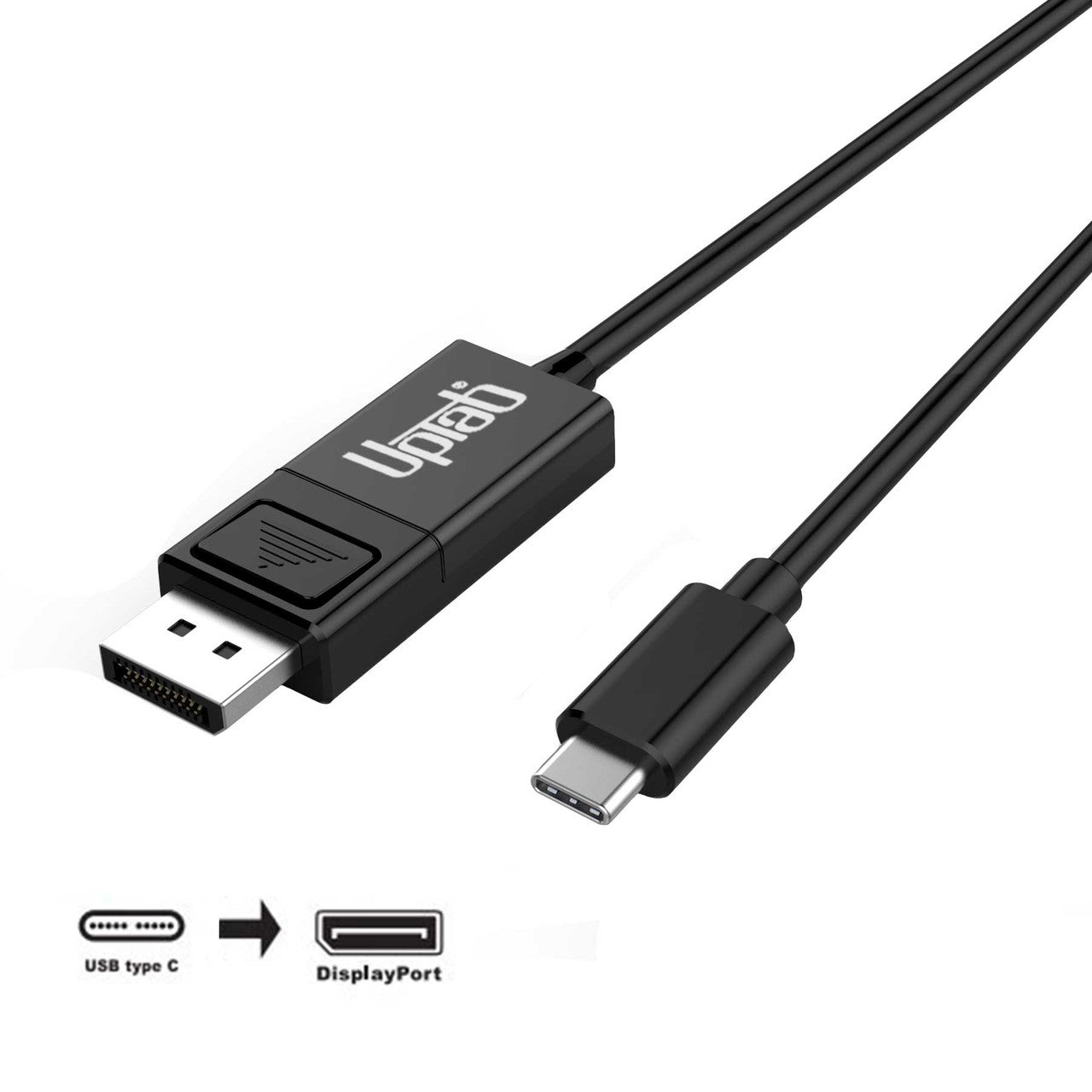
Cavo da USB-C a DisplayPort 8K (2M/6,56 piedi)
Informazioni su questo articolo
Si abbina bene con
SPEDIZIONE IN GIORNATA ordina entro le 11:00 (EST)
Spedizione gratuita per ordini superiori a $ 50
Supporto tecnico
Restituzione entro 30 giorni
1 anno di garanzia
Cavo da USB-C a DisplayPort 8K (2M/6,56 piedi)
Dettagli del prodotto
Il convertitore di segnale attivo da USB-C a DisplayPort fornisce una soluzione semplificata per connettere dispositivi USB-C con modalità alternativa DisplayPort a monitor, televisori o proiettori DisplayPort 1.4. Alimentato direttamente tramite la porta USB-C, questo adattatore non richiede una fonte di alimentazione esterna ed è ottimizzato per l'uso con notebook, sistemi MacBook Pro e tablet moderni.

Supporta una risoluzione UHD fino a 4K a 120 Hz e 8K a 60 Hz e HDR
Il cavo da USB-C a DisplayPort 1.4 supporta risoluzioni UHD fino a 4K UHD a 120 Hz o 8K a 60 Hz, offrendo un'immagine chiara e nitida con HDR. Una velocità di 120 fotogrammi al secondo garantisce video eccezionalmente fluidi. Puoi utilizzare l'adattatore per giocare, visualizzare o modificare video o navigare in Internet da un dispositivo USB-C o DP 1.4 su un monitor o una TV ad altissima risoluzione. Con il supporto di un massimo di otto canali audio, l'adattatore fornisce audio e video digitali ad alta definizione. Non supporta Dual Mode DisplayPort (DP++).
Compatibile con tutti i sistemi operativi
Il cavo da USB-C a DisplayPort 1.4 supporta tutti i dispositivi USB-C e Thunderbolt 3/4 con modalità DisplayPort ALT 1.4 e sistemi operativi, inclusi ma non limitati a macOS, Windows 7, 8.1, 10, 11 e Google Chrome OS.

Specifiche:
- Ingresso: USB-C (tipo C) o Thunderbolt 3/4
- Uscita: DisplayPort 1.4 8K a 60 Hz e HDR
- Supporta risoluzioni UltaHD fino a 8K a 60 Hz e 3840 x 2160p a 120 Hz
- Supporta HDR High Dynamic Range, HDR10, HDR10+ e Dolby Vision
- Conforme allo standard VESA DisplayPort Alt Mode 1.4
- Alimentato dalla porta USB-C (non è necessaria alcuna alimentazione esterna)
- Supporta formati video 3D fino a 1080p a 120 Hz
- Supporta la formazione con collegamento completo e senza collegamento
- Supporto audio fino a 8 canali LPCM
- Lunghezza: 2M/6,56 piedi
Nella scatola:
- 1 cavo da USB-C a DisplayPort 1.4 2M/6,56 piedi
Se hai domande, puoi sempre contattarci. Ti risponderemo il prima possibile, entro 24 ore nei giorni feriali.
-
Informazioni sulla spedizione
Elaboriamo e spediamo la maggior parte degli ordini in giornata. I tempi di consegna variano in base al metodo di spedizione selezionato al momento dell'acquisto. Assicurati che l'indirizzo di spedizione sia corretto per evitare ritardi.
-
Servizio Clienti
Il nostro team è qui per aiutarti! Per domande o assistenza, contattaci via email o tramite il nostro modulo di contatto. Ti risponderemo il prima possibile.
-
FAQ
Quando verrà spedito il mio ordine?
La maggior parte degli ordini viene elaborata e spedita il giorno stesso. I tempi di consegna dipendono dall'opzione di spedizione selezionata al momento del pagamento.
Qual è la vostra politica sui resi?
Gli articoli possono essere restituiti entro 30 giorni nella confezione originale, con tutti gli accessori inclusi. -
Contattaci
Hai domande o hai bisogno di aiuto? Siamo qui per te.
Servizio clienti disponibile dal lunedì al venerdì, dalle 9:00 alle 17:00 (EST)
E-mail: cs@uptab.com
Telefono: 1 (877) 333-1505
Oppure usa il nostro modulo di contatto—risponderemo tempestivamente.
It is a good looking cable, well made for what it is, good fit and finish. Ends are quality as well. Sadly though I won't be able to use it. I had planned to use it from a display port on my PC to a USB-C on my monitor. Won't work, so wasted time on this one. As another reviewer said, NO where does it state it is not bi-directional anywhere on this page, I've read it a couple times. You only find out after you buy it and get it. That's not cool at all.


I selected this UpTab cable because it is listed as a "DisplayPort to USB-C or USB-C to DisplayPort" cable and the slightly bulky DisplayPort connector made me think it'd work to convert DisplayPort output to a USB C monitor I have. The listing photo even has "bi-directional" silkscreened on the USB C end of the cable. Upon arrival, a sticker makes very clear that the DisplayPort source direction won't work and the USB C end of the actual cable lacks that silkscreen. I made an attempt at using it in DP to USB-C mode and there was no detection.The cable itself is fairly thin, has a latching-type DisplayPort connector with a very hollow-feeling plastic connector body, and seems fine as an inexpensive conversion cable. The latch is more difficult to actuate on this cable compared to others, possibly due to the smaller tab and reduced leverage. The only times I have found the locking tab helpful is when I adjust the height or rotate my monitor with a DP cable attached.I was able to test the cable with a USB C/Thunderbolt 3 laptop to drive a KVM feeding a 1200p 60hz DisplayPort monitor to confirm that the cable is functional in that single direction, but I feel misled in my selection and have far less use for this cable as USB C to DP. If the product's capabilities were listed more accurately, I'd rate it higher than 2 stars but there's nothing particularly compelling about this as a USB C to DisplayPort 2 meter long cable. It doesn't feel particularly sturdy compared to other cables that handle DisplayPort signals and the cable seems thinner than most.


Nice product. Works well and is well made.
I have used it with my MBP M1 and a 4K 60Hz monitor and it works perfectly fine. However, there are cheaper alternatives available. In terms of the product itself, I am quite satisfied with it, except for the price.
The description on the page states this is bi-directional. The package states exactly the opposite. There's even a note on the back that states "This cable is NOT bi-directional. It only operates from an USB-C source to a DisplayPort monitor."
I was having issues with using AirPlay with iPad Pro while editing videos. I could notice compression artifacts when transitioning screens, switching apps, etc. I then tried HDMI out to my monitor, which had a horrible issue not being full screen--I'm talking black borders all around the image. I did not have height exceptions with this cable, but I did have an extra video port on the monitor that is DisplayPort. Right away I noticed the difference: 1) No black borders, and 2) much better video quality than AirPlay. This is an outstanding product.
Spedizione gratuita oltre $50
Spedizione in giornata per la maggior parte degli ordini