

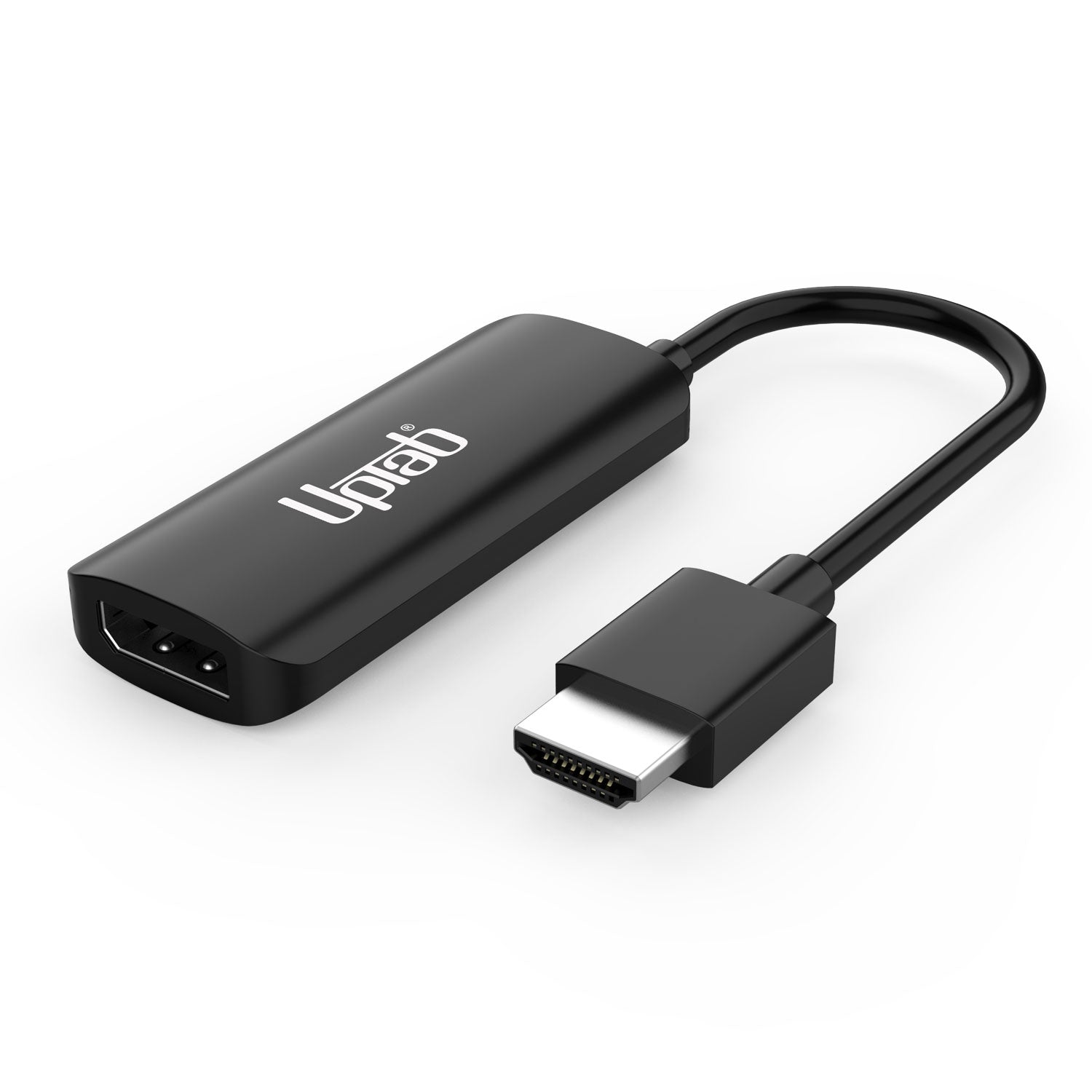
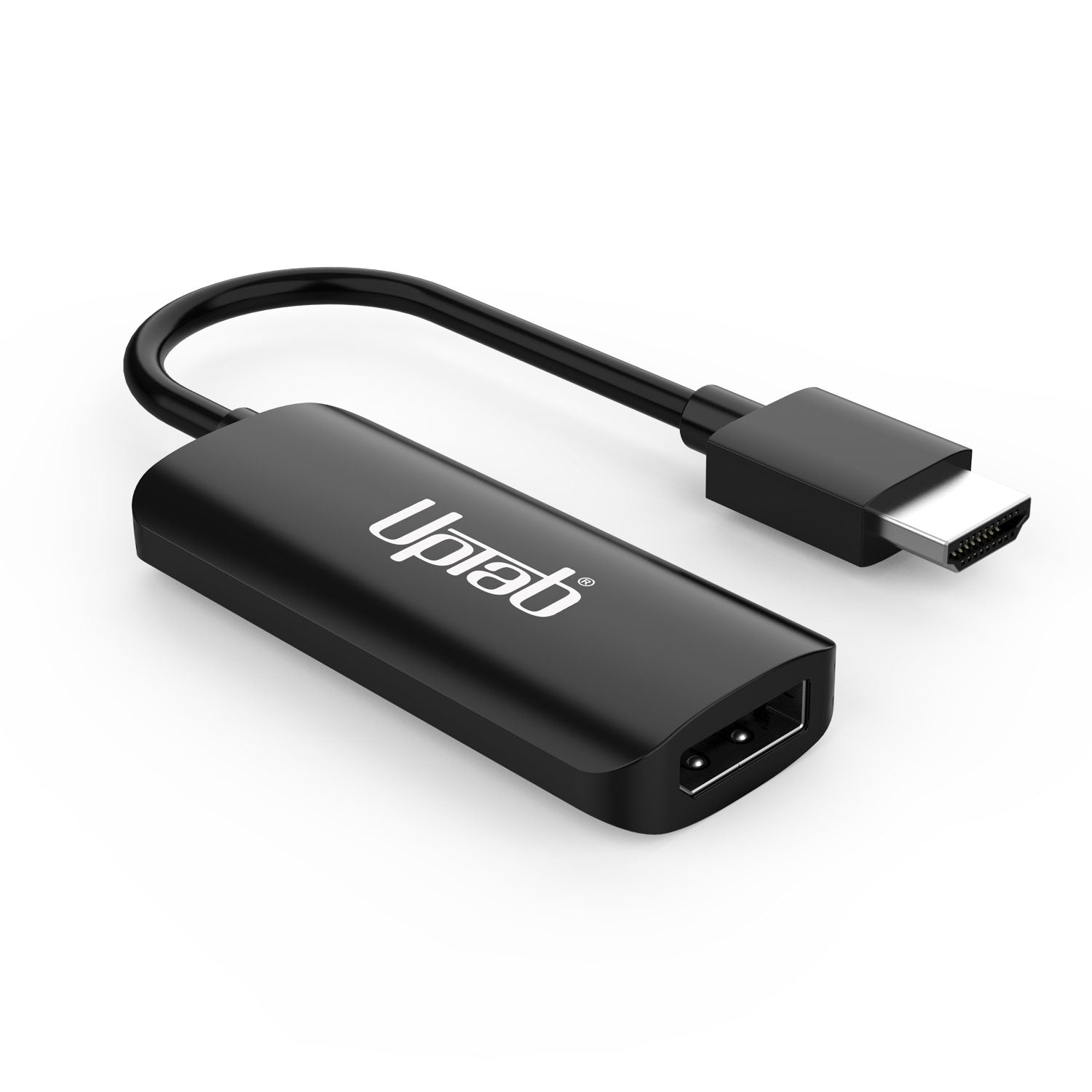
Adattatore attivo da HDMI 2.1 a DisplayPort 8K 60Hz
Informazioni su questo articolo
Si abbina bene con
SPEDIZIONE IN GIORNATA ordina entro le 11:00 (EST)
Spedizione gratuita per ordini superiori a $ 50
Supporto tecnico
Restituzione entro 30 giorni
1 anno di garanzia
Dettagli del prodotto
Sperimenta chiarezza e velocità di livello superiore con Adattatore attivo UPTab da HDMI 2.1 a DisplayPort 1.4—il ponte perfetto tra il tuo ultimo Dispositivi HDMI (PlayStation 5, Xbox Series X/S, computer portatili, PC) e Monitor DisplayPort. Goditi risoluzioni fino a 8K a 60 Hz, 4K a 120 Hz, O 1080p a 240 Hz con colori realistici e latenza bassissima.
Progettato per giocatori seri e professionisti, questo adattatore fornisce Audio surround a 7.1 canali, una vera configurazione plug-and-play e integrità del segnale a tripla schermatura per prestazioni ininterrotte. Con Affidabilità comprovata e qualità costruttiva di UPTab, sbloccherai tutto il potenziale del tuo monitor per giocare, modificare o fare streaming.
Potenza
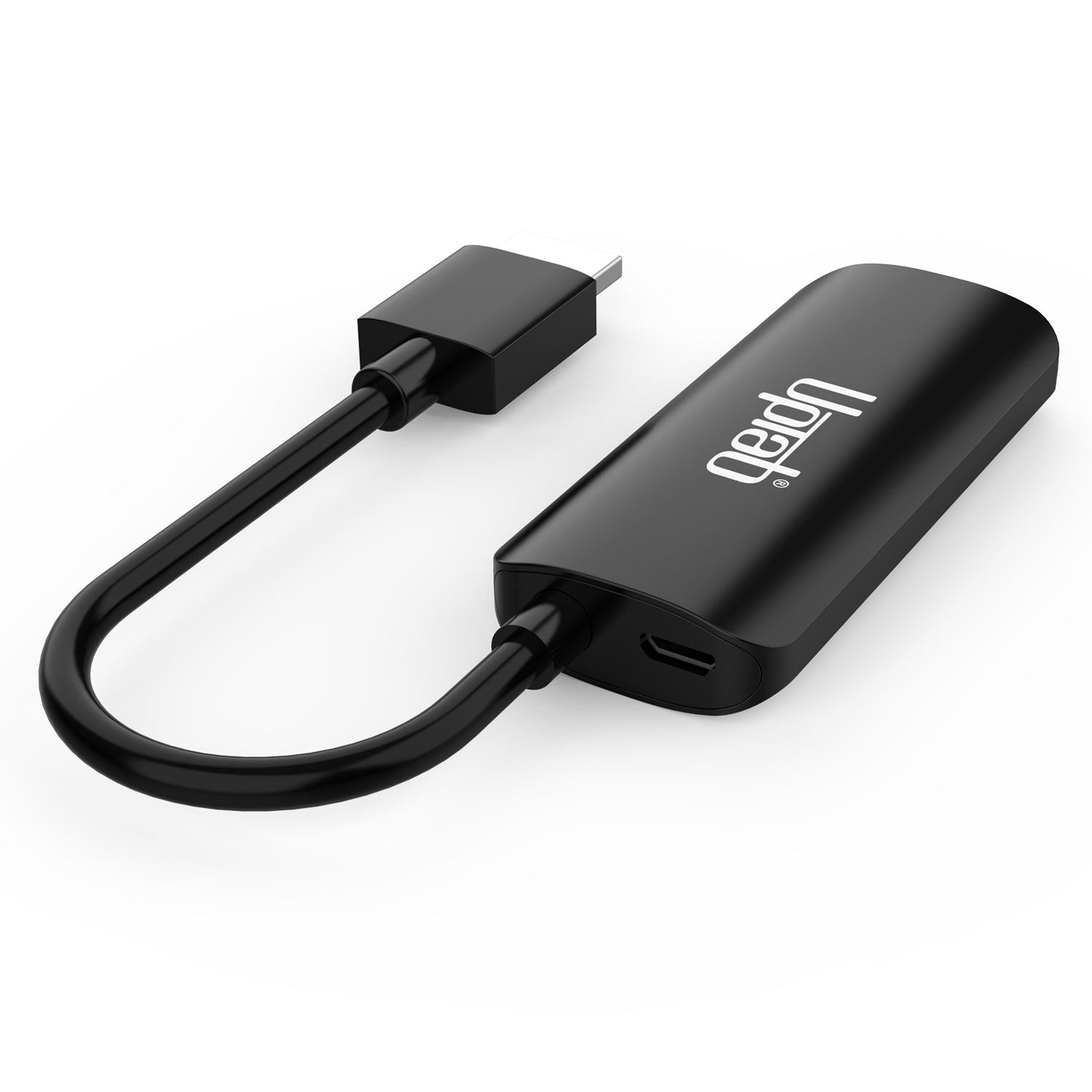
Per garantire una conversione stabile del segnale, collegare il cavo Micro USB incluso a una porta USB del computer o a un Caricabatterie da muro USBCiò fornisce la potenza necessaria per convertire il Segnale HDMI a DisplayPort con prestazioni ottimali.
Collega la tua Xbox Series X/S al tuo monitor utilizzando il nostro adattatore HDMI™ 2.1 a DisplayPort 1.4

Collega la tua Sony PlayStation 5 al tuo monitor utilizzando il nostro cavo HDMI™ 2.1 a DisplayPort 1.4

Mette in risalto:
- Spina e amp; Giocare a
- Non è richiesta l'installazione di driver o software
- Supporta risoluzioni fino a Ultra HD 8K a 60Hz
- Audio di alta qualità (supporta audio surround a 7.1 canali fino a 192 kHz)
- Conforme agli standard HDCP
Specifiche tecniche:
- Ingresso: HDMI 2.1, maschio.
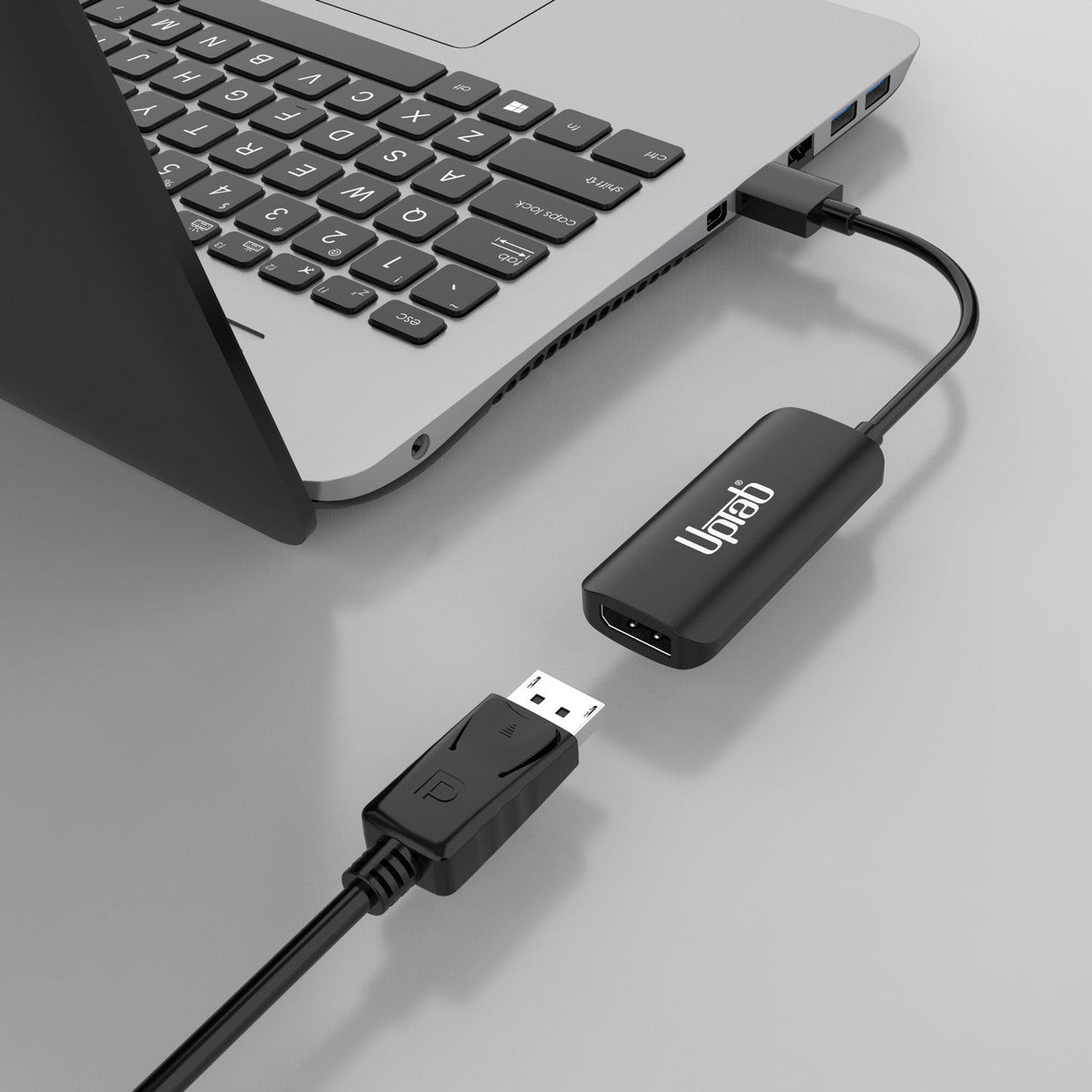
- Produzione: DisplayPort 1.4 (femmina) – Richiede un cavo DisplayPort (non incluso)
- Supporta risoluzioni UHD di 8K a 60 Hz, 4K (3840x2160) a 120 Hz, 1440p (2560x1440) a 240 Hz, 1080p (1920x1080) a 240 Hz.
- Audio di alta qualità: supporta l'audio surround a 7.1 canali con frequenza di campionamento fino a 192 kHz.
- Conforme agli standard HDCP.
- Cavo: tripla schermatura.
- Alimentato tramite USB.
** Nota: questo adattatore NON è bidirezionale. Converte solo un segnale di uscita HDMI (dispositivo sorgente) in DisplayPort (monitor/display)
Nella scatola:
- 1x adattatore attivo UPTab da HDMI a DisplayPort.
- 1 cavo da USB a Micro USB da 40" (1 m)
Domande frequenti (FAQ)
PlayStation 5 (PS5)
Come posso ottenere 1080p a 120 Hz?
- Assicurati di avere l'ultimo aggiornamento di Sony PS5. Controlla Sito web Sony qui.
- Assicurati che il tuo monitor supporti 240Hz a 1080p
- Assicurati di utilizzare un cavo DP-DP in grado di gestire la risoluzione minima DP 1.3
- Assicurati che la porta DP sul tuo monitor sia configurata su DP 1.4 o almeno DP 1.3
- Disabilita il Ray Tracing
- Abilita la modalità Prestazioni sulla tua PS5
- Dopo l'avvio, vai alla schermata iniziale PS5 e aprirsi “Impostazioni.” – Schermata tramite Sony.
- Scorri verso il basso e seleziona "Salva dati e gioco/app" Impostazioni.” – ...
- Entra in "Predefiniti di gioco" e scegli "Modalità di prestazione o Risoluzione Modalità.” Passa a “Modalità di prestazione.”
- Intercettazione dell'agente
- Apex Legends
- Le leggende dell'asfalto si uniscono
- Asteroidi: Ricaricati
- Cuore atomico
- Azure Striker Gunvolt 3
- Ben 10: Viaggio di potere
- Berzerk: Ricaricato
- Black Widow: Ricaricata
- BloodRayne Betrayal: Fresh Bites
- Borderlands 3
- Breakout: Ricaricato
- Memoria luminosa: infinita
- Call of Duty: Black Ops 7
- Call of Duty: Black Ops 6
- Call of Duty: Black Ops Guerra Fredda
- Call of Duty: Modern Warfare 2
- Call of Duty: Modern Warfare 3
- Call of Duty: Vanguard
- Call of Duty: Warzone
- Cat Quest 3
- Caverne di Marte ricaricate
- Centipede: Ricaricato
- La scala di Caronte
- Maledetto al golf
- Spazio curvo
- Ombra cibernetica
- L'alba dei mostri
- Deep Rock Galactic
- Destino 2
- Devastante
- Devil May Cry 5: Edizione speciale
- DIRT 5 PS5
- DOOM + DOOM 2
- DOOM Eternal
- EA Sports F1 25
- Fortnite
- Monster Boy e il regno maledetto
- La Collezione Nioh (Nioh e Nioh 2)
- Rainbow Six Siege
- Tony Hawk's Pro Skater
- WRC 9
Elenco completo con tutti i giochi PS5 che supportano 120Hz che puoi trovare Qui.
Come posso risolvere il problema dell'assenza di segnale da DisplayPort a HDMI?- Spegnere il PC
- Scollegare tutti i monitor
- Scollega il monitor che presenta problemi dalla fonte di alimentazione.
- Attendere circa 1 minuto.
- Ricollegare all'alimentazione e al PC SOLO il monitor con cui si verificavano i problemi.
- Ricollegare il PC alla fonte di alimentazione.
- Accendi il PC
- Verifica che l'adattatore sia HDMI-DisplayPort e NON DisplayPort-HDMI; molti adattatori non sono bidirezionali.
- Spegni il tuo PC
- Collega il tuo HDMI alla porta HDMI del tuo PC/laptop
- Collegare il cavo USB alla porta USB del computer o alla fonte di alimentazione per alimentare l'adattatore.
- Collegare il DisplayPort al cavo DisplayPort del monitor (cavo non fornito).
- Accendi il tuo PC
- HDMI e DisplayPort sono entrambe interfacce digitali ad alta velocità, ma differiscono per diversi aspetti importanti. HDMI è utilizzato principalmente per apparecchiature elettroniche di consumo, mentre DisplayPort è principalmente per le connessioni video di computer e periferiche.
Il passaggio da DisplayPort a HDMI perde qualità?
- DP offre una qualità massima più elevata, ma un televisore UltraHD non sarà limitato dall'HDMI, quindi non vi sarà alcuna perdita di qualità. Sono entrambi standard digitali seriali e trasmettono il segnale senza ridimensionamento.
Se hai domande, puoi sempre contattarci. Ti risponderemo il prima possibile, entro 24 ore nei giorni feriali.
-
Informazioni sulla spedizione
Elaboriamo e spediamo la maggior parte degli ordini in giornata. I tempi di consegna variano in base al metodo di spedizione selezionato al momento dell'acquisto. Assicurati che l'indirizzo di spedizione sia corretto per evitare ritardi.
-
Servizio Clienti
Il nostro team è qui per aiutarti! Per domande o assistenza, contattaci via email o tramite il nostro modulo di contatto. Ti risponderemo il prima possibile.
-
FAQ
Quando verrà spedito il mio ordine?
La maggior parte degli ordini viene elaborata e spedita il giorno stesso. I tempi di consegna dipendono dall'opzione di spedizione selezionata al momento del pagamento.
Qual è la vostra politica sui resi?
Gli articoli possono essere restituiti entro 30 giorni nella confezione originale, con tutti gli accessori inclusi. -
Contattaci
Hai domande o hai bisogno di aiuto? Siamo qui per te.
Servizio clienti disponibile dal lunedì al venerdì, dalle 9:00 alle 17:00 (EST)
E-mail: cs@uptab.com
Telefono: 1 (877) 333-1505
Oppure usa il nostro modulo di contatto—risponderemo tempestivamente.
Spedizione gratuita oltre $50
Spedizione in giornata per la maggior parte degli ordini