

Dettagli del prodotto

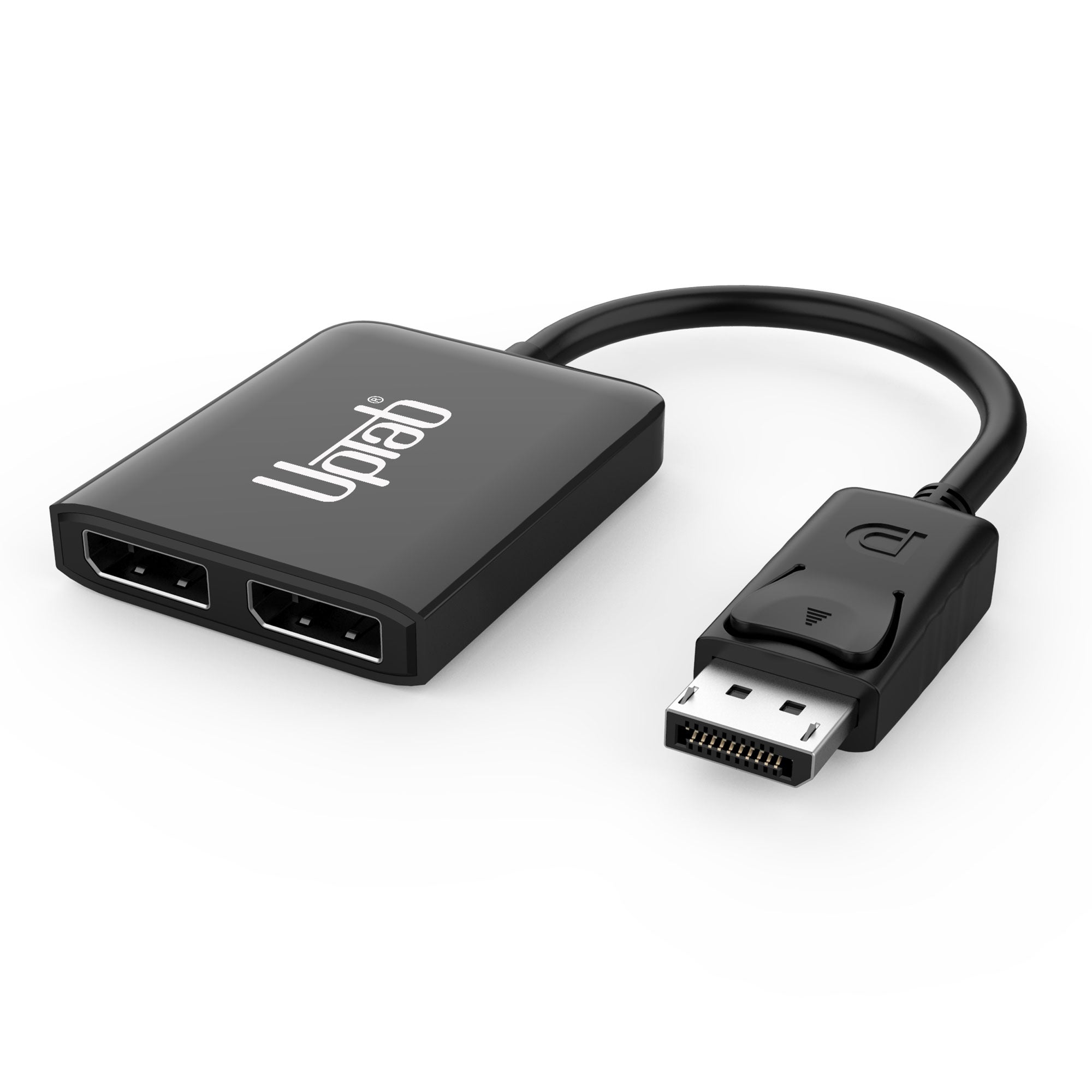
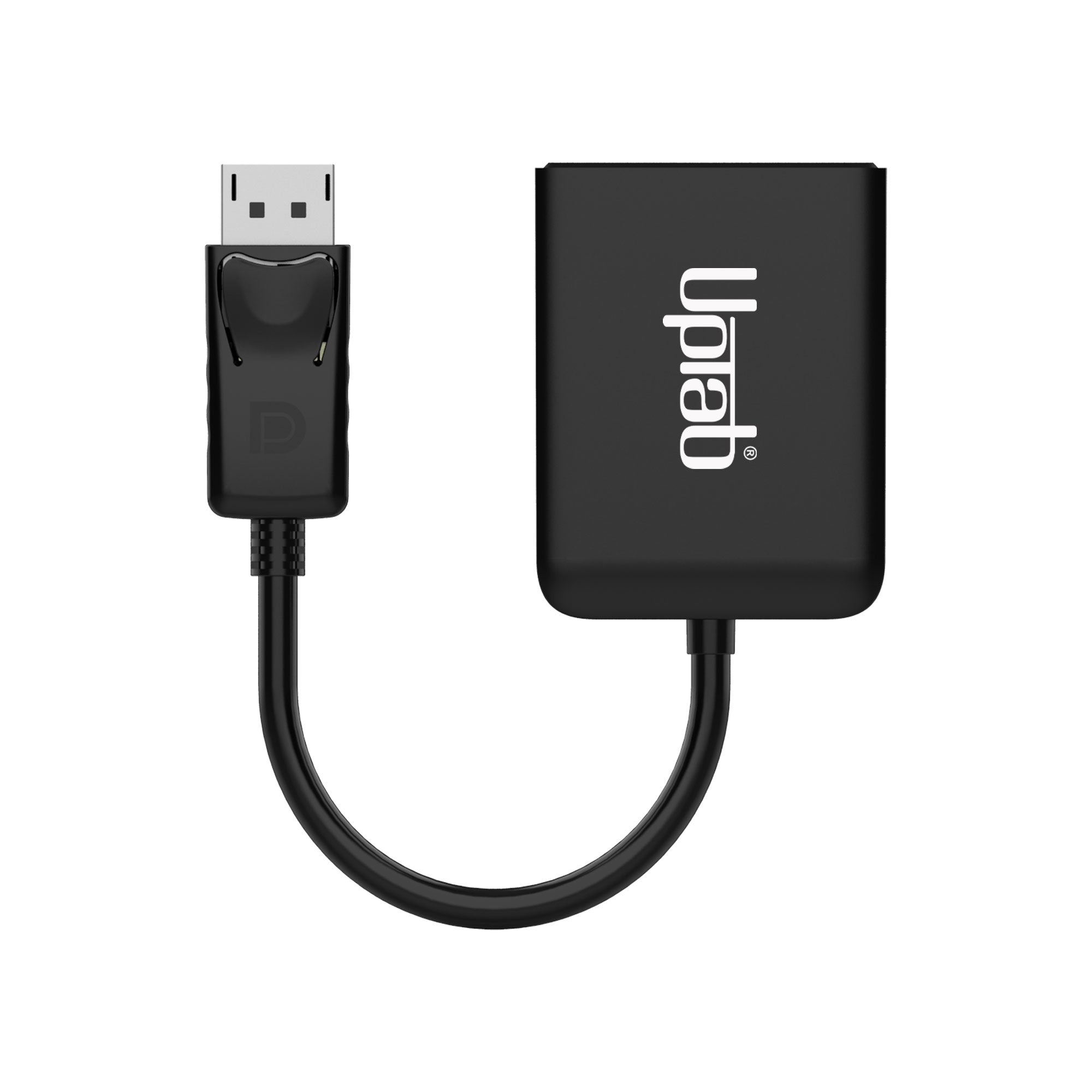
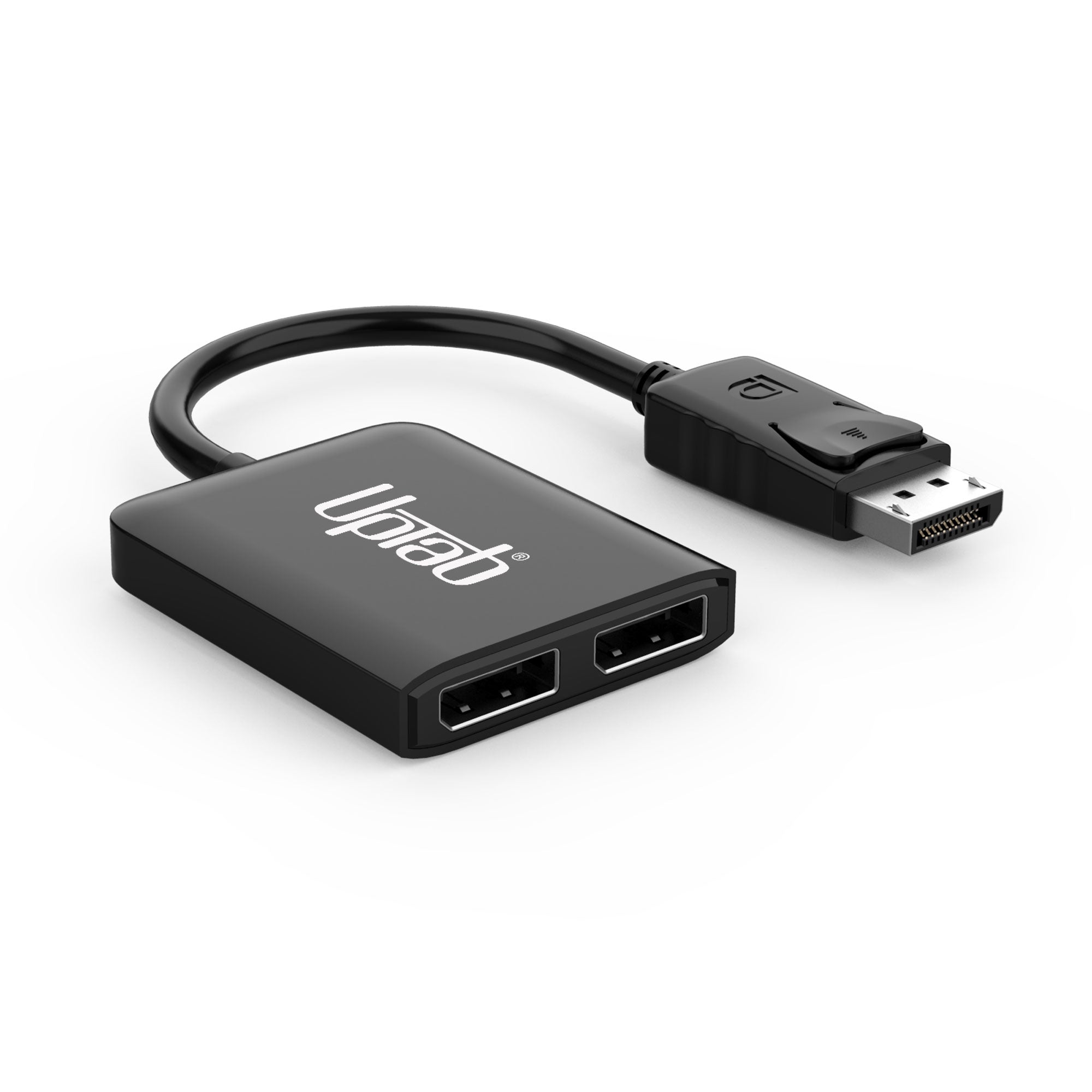
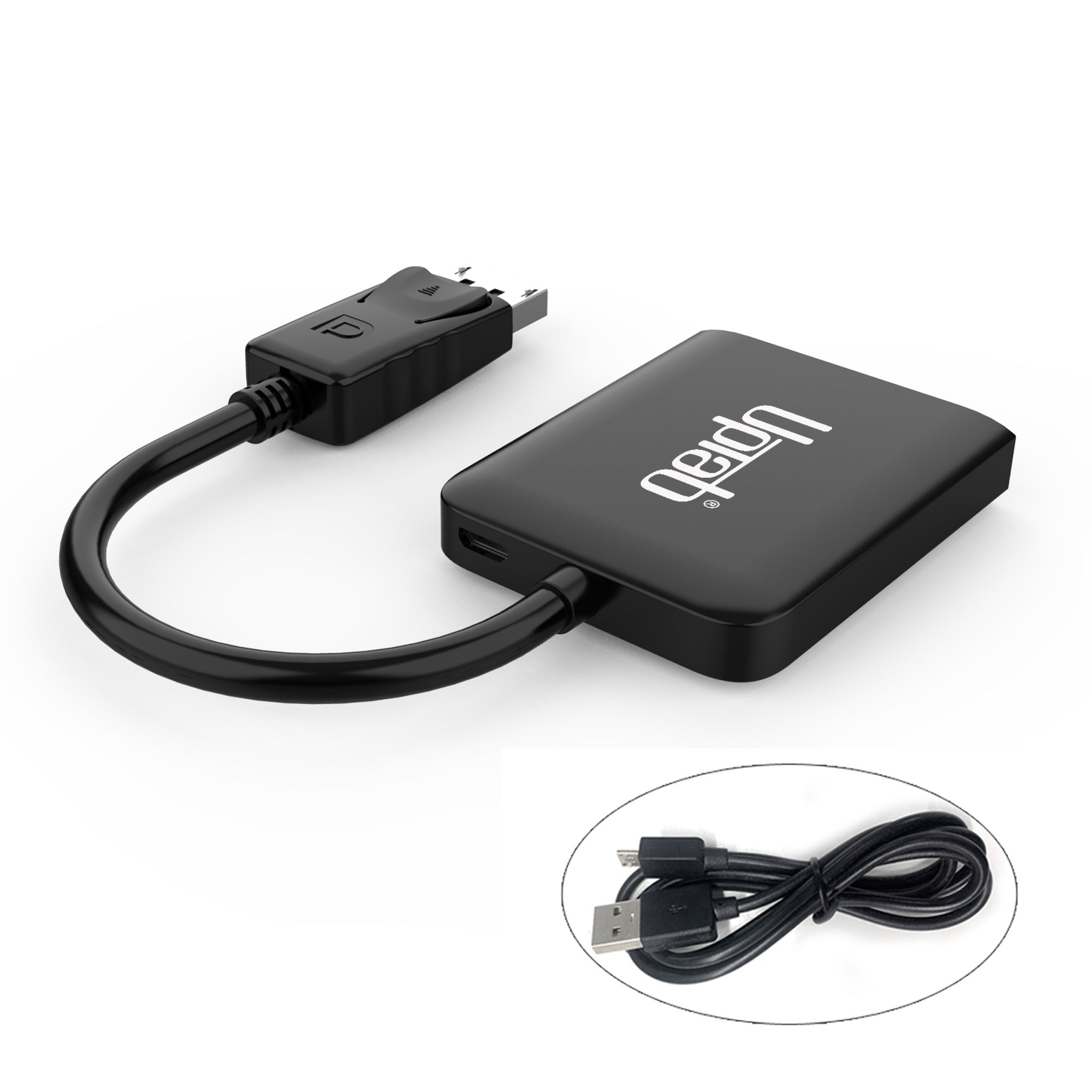
Questo adattatore UPTab DisplayPort 1.4 a Dual DisplayPort 8K MST consente a un dispositivo abilitato per DisplayPort di connettersi a due display abilitati per DisplayPort per il mirroring video, l'estensione video o la visualizzazione di una singola immagine video su due display. L'hub è perfetto per la progettazione grafica, l'analisi di fogli di calcolo, le applicazioni di segnaletica digitale e i giochi.

Migliora il multitasking e aumenta la produttività configurando l'hub in modo che funzioni come uno splitter con la stessa immagine video su ciascun display, estendendo un'immagine video a più display o espandendo un'immagine video unendo più monitor insieme come un unico display. L'hub è ideale per una configurazione da scrivania con più display e il formato leggero e compatto lo rende facile da trasportare anche in viaggio o semplicemente in movimento. L'hub supporta risoluzioni fino a 8K (7680 x 4320) a 60 Hz se collegato a un singolo display o 8K (7680 x 4320) a 30 Hz o 4K (4096 x 2160) a 60 Hz se collegato a due display.

L'adattatore consentirà il vero colore RGB senza la degradazione visiva del colore che si verifica in altri formati di colore che utilizzano il sottocampionamento. Quando si desidera l'audio, l'adattatore DisplayPort trasmetterà anche fino a 8 canali audio per un'esperienza audio e video coinvolgente. Trasmette video su doppia DisplayPort singola o simultaneamente. La modalità di visualizzazione estesa è supportata solo per Windows 10,8 e 7. Attualmente, Apple macOS non supporta la modalità estesa (EST).

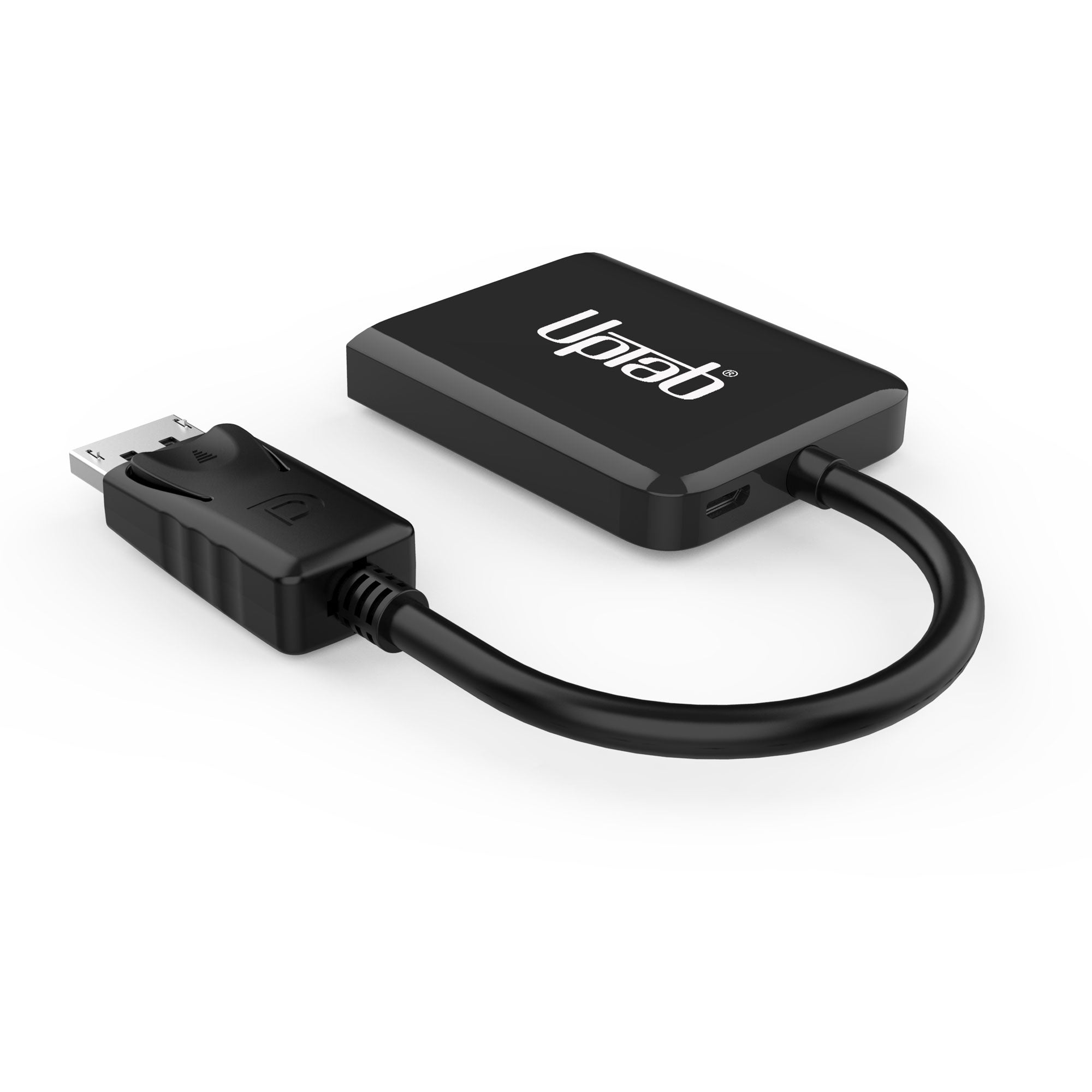
Nota: Questo adattatore richiede alimentazione esterna aggiuntiva. Il cavo di alimentazione deve essere collegato a USB 3.0 o USB 4.0 per fornire un'alimentazione adeguata all'adattatore; USB 2.0 NON è supportato (cavo USB incluso). Questo hub MST è compatibile con DisplayPort 1.4 e 1.2. La scheda video e il display del dispositivo sorgente devono supportare DisplayPort 1.4 e MST.

Computer con GPU integrata: Intel HD 4000. Questo adattatore funzionerà solo in modalità Mirror SST.

Modalità specchio per tutti IoScheda grafica Intel HD (Celero/Pentium CPU-GPU)

  • Scheda grafica Intel HD 2000 (combinazione CPU-GPU con chipset Intel serie 7 Express iCore DC/QC)
  • Scheda grafica Intel HD 2500/4000 (combinazione CPU-GPU con chipset Intel serie 7 Express i3/i5/i7 DC/QC)

Caratteristiche:

  • Ingresso: DisplayPort 1.4
  • Uscita: Doppie porte DisplayPort
  • Display singolo fino a 8K (7680 x 4320) a 60 Hz
  • Doppio display fino a 8K (7680 x 4320) a 30 Hz o 4K (4096 x 2160) a 60 Hz
  • Con supporto per il formato colore 4:4:4
  • Trasmetti fino a 8 canali audio per un'esperienza audio e video coinvolgente
  • Supporta la modalità Windows Display Extended e Mirror (MST e SST)
  • Supporta la modalità Mirror di macOS (SST)
  • Porta USB Micro-B per alimentazione aggiuntiva (vedi nota)

Nella scatola:

  • 1x adattatore UPTab da DisplayPort a doppio DisplayPort 8K
  • 1 cavo da USB a micro USB da 40" (1 m).
  • 5 stars: 8 (38%)
  • 4 stars: 3 (14%)
  • 3 stars: 3 (14%)
  • 2 stars: 2 (10%)
  • 1 star: 5 (24%)
M
Michelle E.

Works great!

H
Heidi B.
Works great for the intended purpose

Update 10/16/20: This splitter has ceased functioning. It clearly is the splitter as plugging either monitor into my laptop provides a video signal to the monitor. I've tried different power supplies with no success. Considering I'm using this 2 days a week for the past 4 months the life span is pretty disappointing. Supposedly there is a 1 year warranty so I'll report back if I have any success getting the company to stand by their product. I'd stay away at this point.Original Review:I like many people have started to work from home. I have a dual monitor set up at work that employs a docking station so I was trying to replicate this monitor set up at home. I do still work in the office a few days a week so I didn't want to have to bring the monitors and docking station to and from work throughout the week.I had a 24" monitor already at home and ordered a second one. I knew the video card could handle the dual monitor output, however the laptop only had one Displayport output. This little adapter is exactly what you need to output a signal to two monitors. Once set up correctly you can choose through you display settings which monitor is the primary, and which one is the secondary, or you can mirror to both although I don't know why you would do that.The one issue is it requires a micro usb cable to power the splitter. They don't provide this cable (which you can plug into your computer for power), or a DC wall unit. I think at this price point they should provide a short cable as they cost almost nothing for them and ensure you can use the unit right out of the box. Luckily I think most of us have a box full of cables (as these come with every device) that can be used in lieu of this missing cable.Overall I'm happy it works as advertised and allows me to easily move my laptop to work and home and enjoy the same work experience.

B
Brad W.
NOT HDMI

Not what I thought it was - it's not HDMI

M
Maverick
great quality

Excellent product

d
damian
stops working after 1 month

do not buy this chinese scrap!!!!It stopped working correctly after 1 month with two displays connected,screen goes black,do not waste your time and money!!!!!

J
Jay B.S.
Don’t buy

Bought to connect 2 monitors to a PC It doesn’t deserve one star. This splitter some how corrupted my DP cables. Ended up having to buy new cables and connect a different route.

A
Amazon C.
Works great!

Worked great, right out of the bag!

J
Japilla
Keeps disconnecting

My monitors flicker about once a minute.I have two 32" 1440p monitors.I do not recommend this product at all.

N
Nic W.
Didn't work on basic 22" monitors (main monitor is a 27" curved)

Didn't work for me. It would turn the second monitors on for a minute or two, and then both monitors would cut out. I even tried plugging the USB cord into a higher power supply vs the computer thinking it wasn't getting enough power, but I had the same problem. Returned

R
R M.
works right away

easy use. works perfect for designed function.

A
Amazon C.
Screens are constantly turning off and on again

When using 2 monitors set at 4k the screens will randomly turn off and back on quickly. This could happen every few minutes or sometimes not at all for hours. I reached out to the company and they gave me a software update that was supposed to fix the issue but it did not.

C
Christine
Flickering on off

Only worked for Several Months and now flicker's on and off as well as static dots throughout the monitors.Can't even return on get a refund as it it out of the return window.

T
Tatyana P.
Awesome when it works...

I connected two older monitors to my desktop and now enjoying three screens, which greatly simplifies my work. Unfortunately, there are times when monitors keep blanking out. Since the issue is intermittent, I suspect it's the hub, as there are days when there are no issues.

P
Pangtience
Gets the job done

This item does exactly what I needed - daisy chains 2 of my monitors together so I can add a 5th one for a drawing tablet for my girlfriend. Easy to install and works like a charm!6/18/2020 update: Now both of the ports seem to not be working anymore. I've ordered a replacement in hopes that it will work, and, if I remember, will update this review accordingly. Changing review to 4 stars to reflect having t to replace the product.

w
will
it would be ok if it was cheaper

this requires usb power and it didn't come with a cable, it got really hot when i used it, when I turned off my computer and turned it back on it would default to and get locked in a very low resolution i would have to unplug and plug it back in.

C
C. B.
One of two I bought failed in 2 months

Overall, it is a great buy but one of two I bought started making an issue after 2 months. I have two monitors plugged into this splitter and both monitors spontaneously go a black screen randomly. At first, it was just a moment for a few times a day but it got a point where every so minute, you'll get the black screen. I have two sets of 2 screens and the other set has no issue so I purchased another brand and ever since I have no issue. Which leaves this splitter defective after only 2 months of usage. The other one works great so I gave 3 starts altogether.

Z
Zachary
Lots of noise and flashing - temporary use

This works. I've powered it by the USB cable to an always on USB port which helps with the connection, but my monitors still flash throughout the day which is annoying and there is a lot of noise on the screen (pixelation and green pixels). It works and is a temporary fix for me until I can get a graphics card with dual output. Not perfect.

G
Gaby
Excellent product

For me its working perfectly with 2 monitors one is 4k 30hz and on 2k at 60hz both with good image and not errors at al.

P
Paul R.
Extremely Well Built

This UPTab product is extremely well built. It's solid and fully functional -- the case is even covered in a protective plastic sheet to prevent any scratches during final assembly and shipping. There is only one area where I would make improvement: I would ask for in the package and that would be some instructions regarding the use of a powered USB connection. I use a very modern NVidia RTX graphics card, and it required the USB powered cable in order for it to work properly. I had to research online for that fact. That's inconvenient and initially caused my system to crash when I just put the monitor cables on by themselves. I didn't even see the small USB port on the back until the online instruction pointed it out. So there you have it. You have a great product at a great price. It just needs to come with an advisory on the use of the USB port. Thank you for all your hard work.

J
Jossiwales
Works

Works

T
Tony H.
Works great

I was able to split and extend to 2 monitors.

Spedizione gratuita oltre $50

Spedizione in giornata per la maggior parte degli ordini