

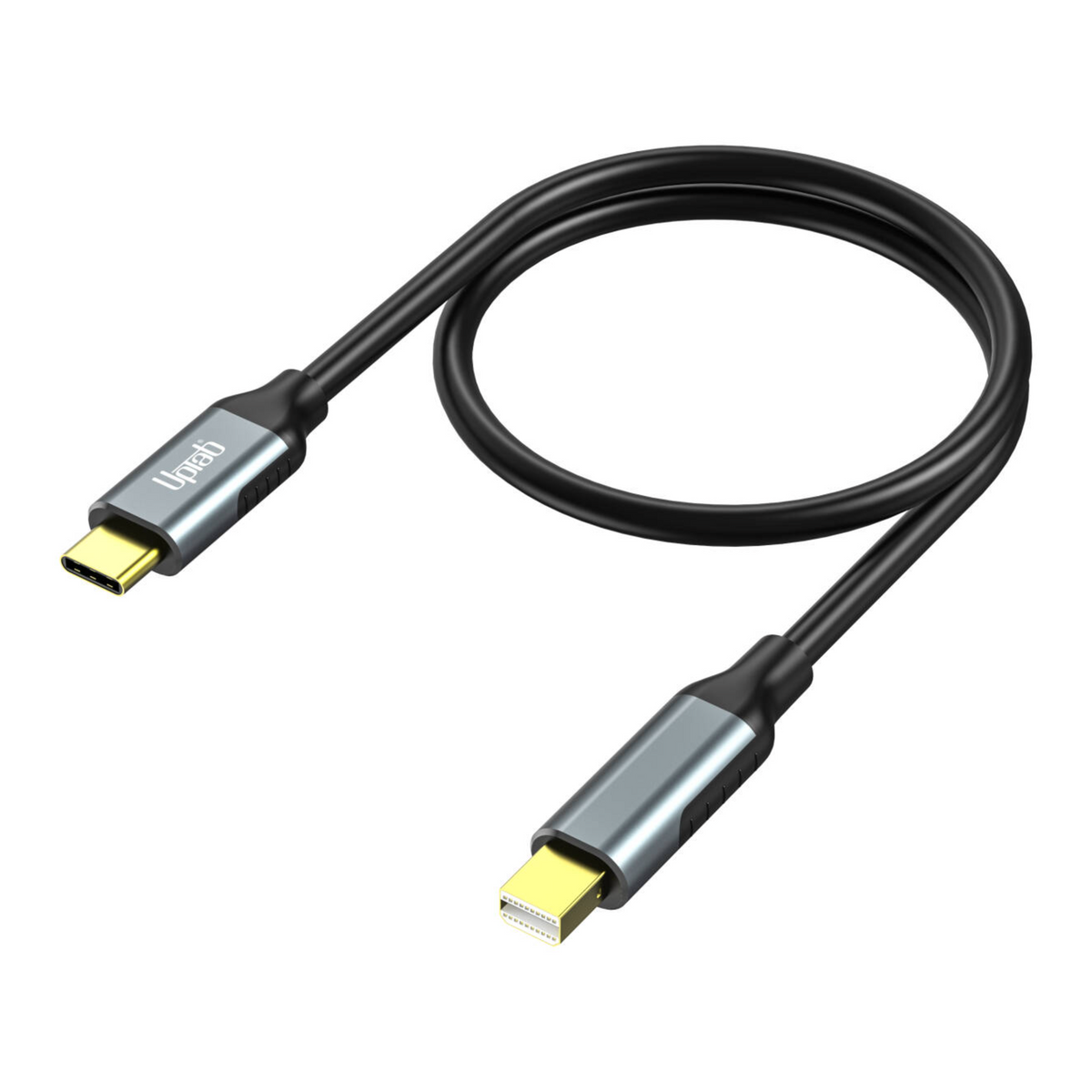
Cavo da USB-C a Mini DisplayPort 4K a 60 Hz - 6 piedi
Informazioni su questo articolo
Si abbina bene con
SPEDIZIONE IN GIORNATA ordina entro le 11:00 (EST)
Spedizione gratuita per ordini superiori a $ 50
Supporto tecnico
Restituzione entro 30 giorni
1 anno di garanzia
Cavo da USB-C a Mini DisplayPort 4K a 60 Hz - 6 piedi
Dettagli del prodotto
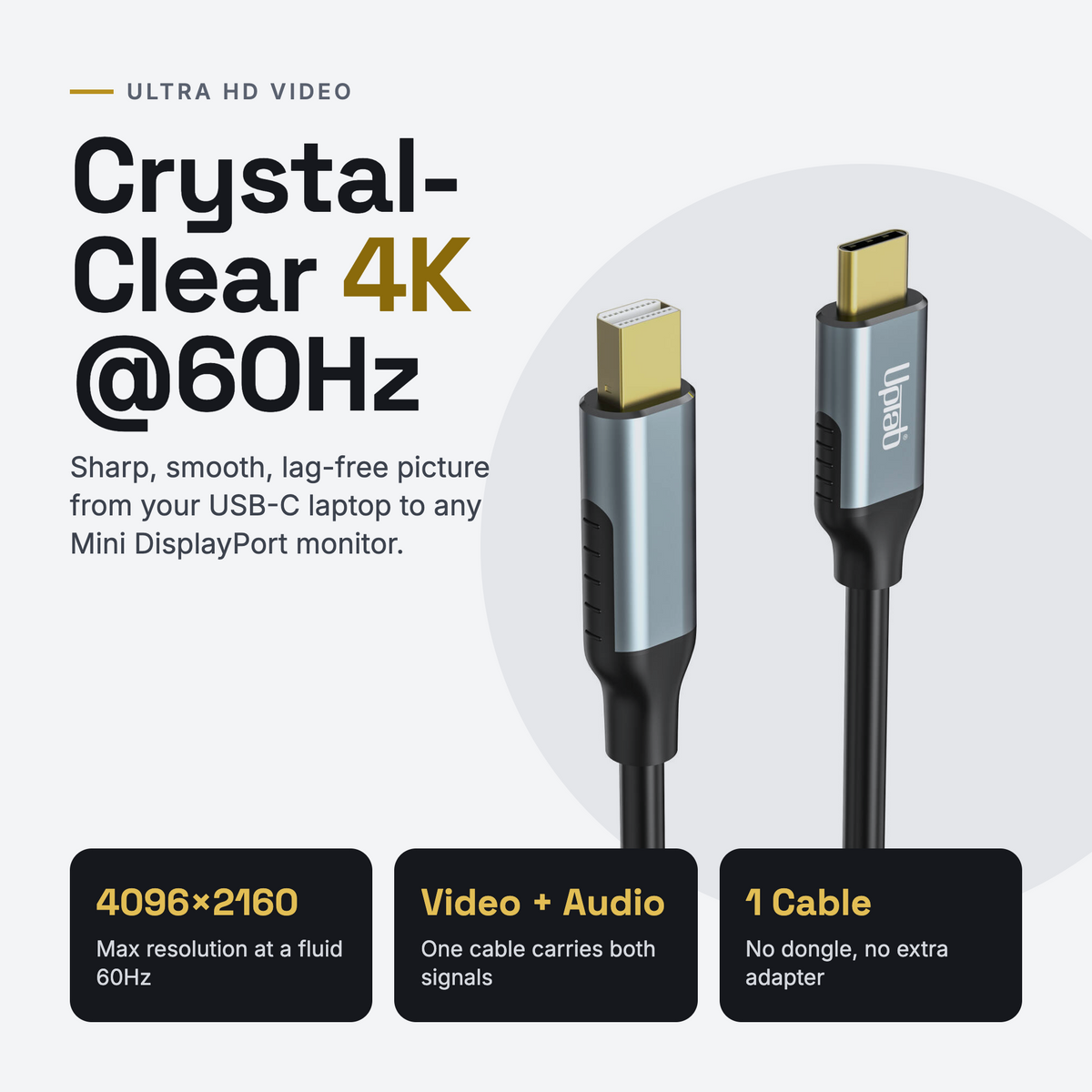
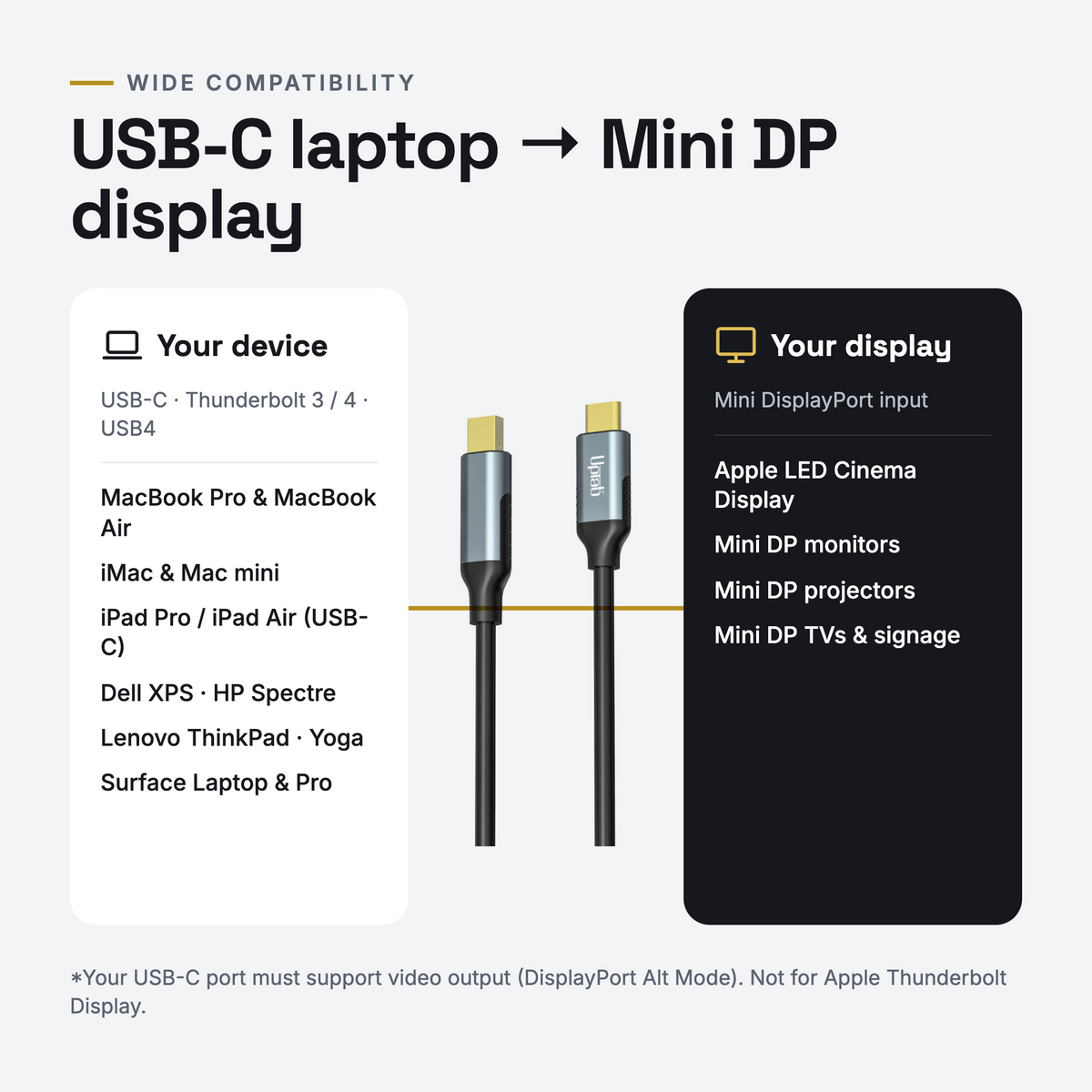
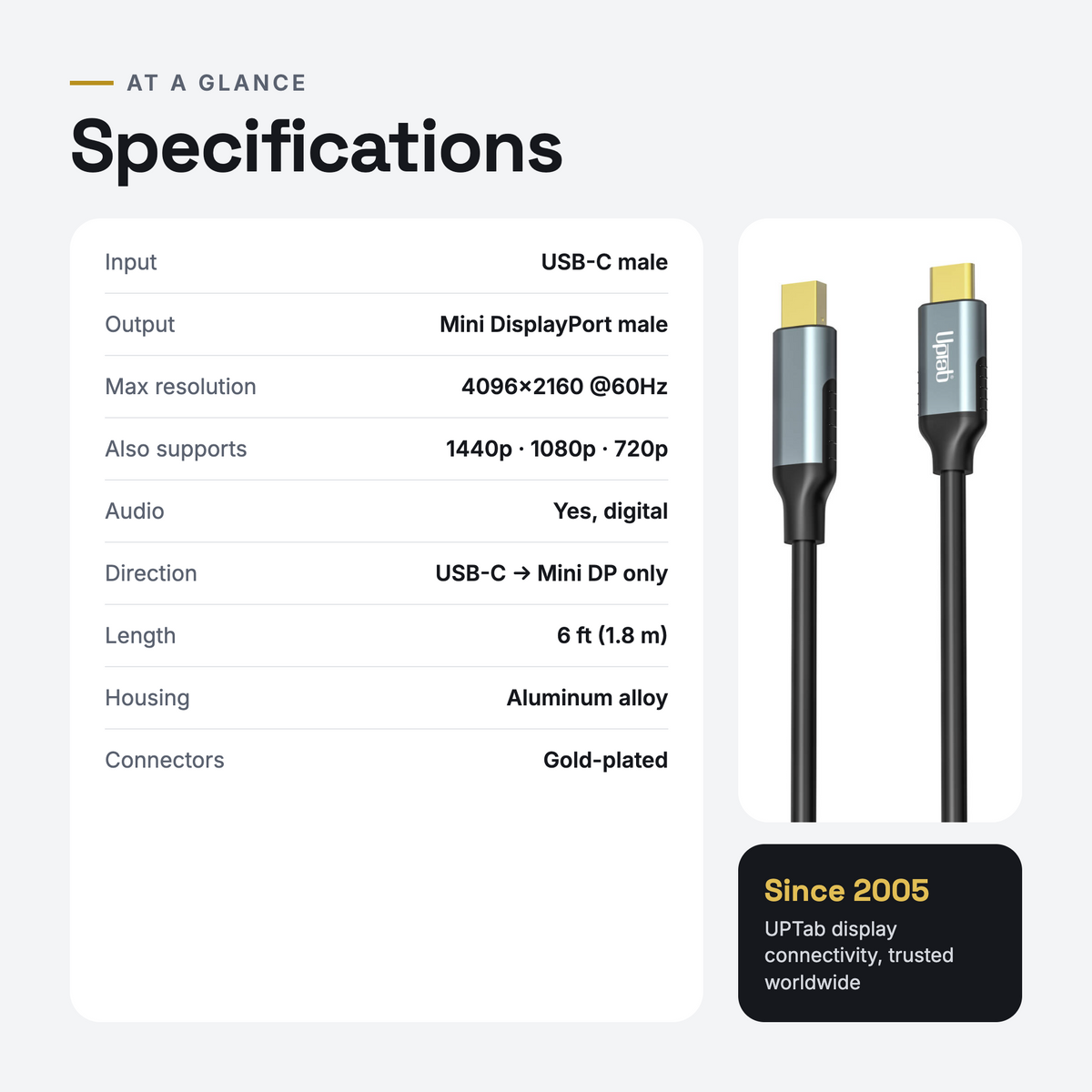
Collega il tuo laptop USB-C direttamente a un monitor Mini DisplayPort con il cavo UPTab da USB-C a Mini DisplayPort. Ti offre una risoluzione 4K a 60 Hz fluidi, oltre a audio digitale, su un cavo da 6 piedi, quindi la tua scrivania non ha adattatori o dongle che la ingombrano.
Il cavo è realizzato per professionisti, studenti e uffici domestici. Funziona con dispositivi USB-C, Thunderbolt 3/4 e USB4 che supportano l'uscita video, inclusi MacBook Pro, MacBook Air, iMac, Mac mini, iPad Pro e molti laptop Windows. Collegalo a un monitor Mini DP, un proiettore o all'Apple LED Cinema Display per riprodurre lo schermo o estendere lo spazio di lavoro per presentazioni, editing, codifica o multitasking.
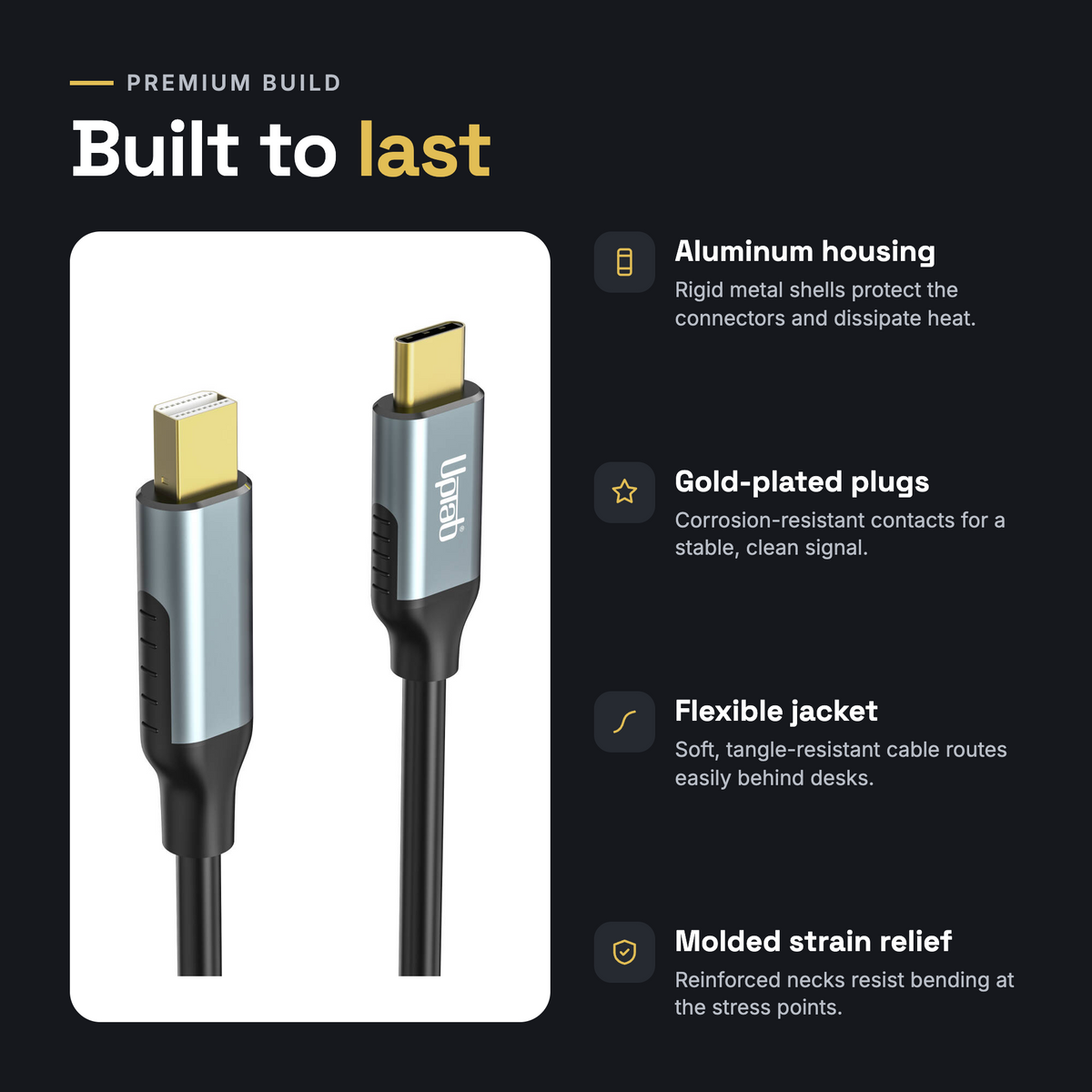
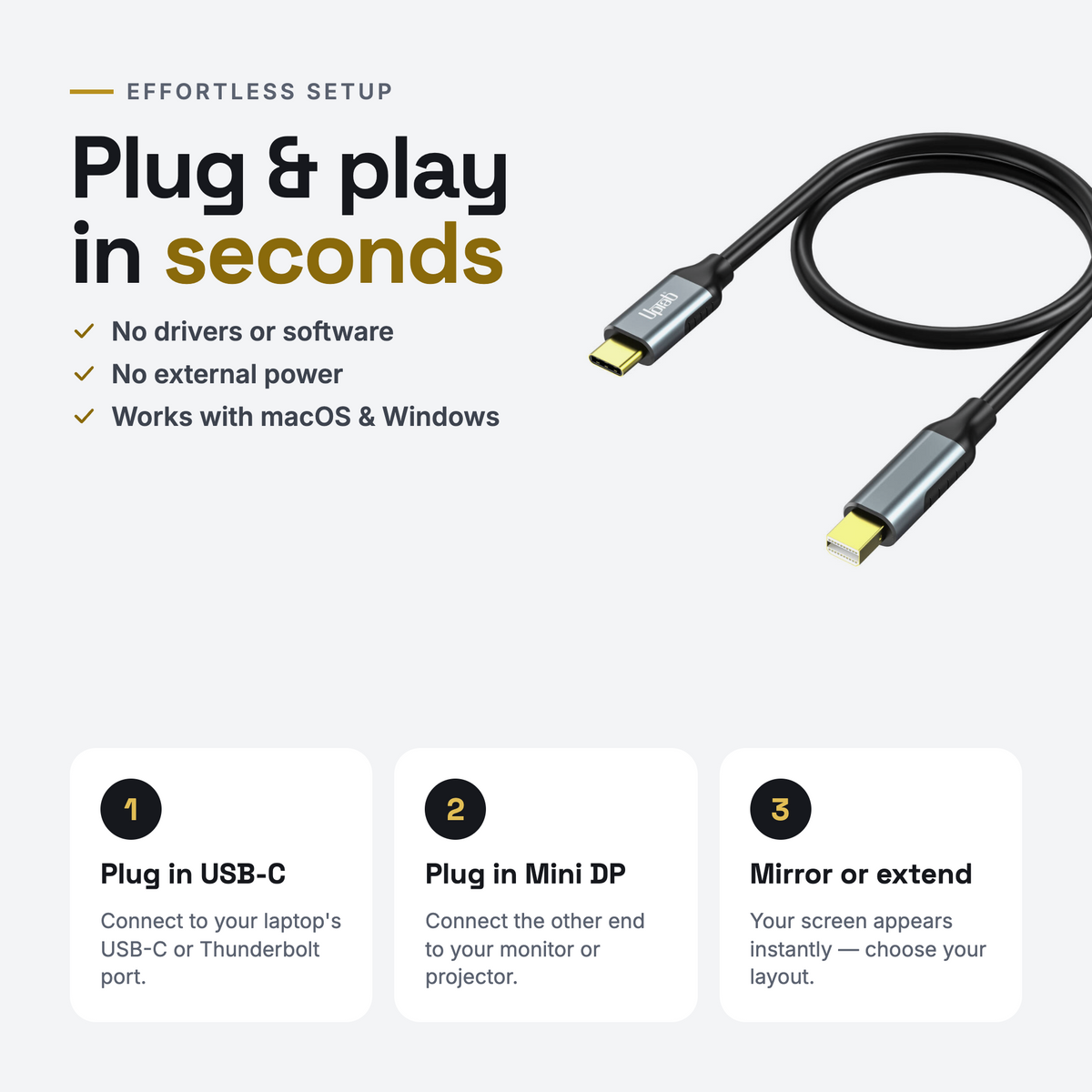
Ogni cavo è dotato di alloggiamenti dei connettori in alluminio, connettori placcati in oro, una guaina flessibile antigroviglio e un pressacavo rinforzato, quindi resiste all'uso quotidiano. La configurazione richiede pochi secondi: collega entrambe le estremità e il display si accende, senza bisogno di driver o alimentazione.
Punti salienti:
- Design piccolo e compatto
- Elegante colore grafite
- Autoalimentato: non è necessaria alcuna alimentazione esterna
- Si collega a Mini DisplayPort
- Scocca in alluminio: eccellente dissipazione del calore
- Supporta la risoluzione Ultra HD 4K a 60 Hz
- Compatibile con Apple MacBook, Google Chromebook Pixel e altro ancora
- Include microprocessore su chip con ROM SPI interna
- Supporta i formati di protezione del contenuto HDCP 1.4 e HDCP 2.2
- Funzione ripetitore HDCP 1.4 e HDCP 2.2 con chiavi su chip
- Supporta la codifica TMDS per la riduzione EMI/RFI
- Supporta SCDC (canale dati di stato e controllo)
- Supporto audio fino a 8 canali LPCM
Dispositivi compatibili:
- AppleMacBook Pro 2016/M1 e successivi incluso il nuovo 14/16" M4Pro e M4 massimo
- Apple MacBook Air 2018 e versioni successive
- Apple iPad Pro 2018 e versioni successive
- Apple iMac 2017 e versioni successive
- Apple Mac Mini 2018 e versioni successive
- Apple Mac Pro 2019
- Smartphone e tablet Android con USB-C
- GooglePixel
- Google Chromebook con USB-C
- Laptop Lenovo con USB-C
- Laptop HP con USB-C
- Qualsiasi computer con Thunderbolt 3
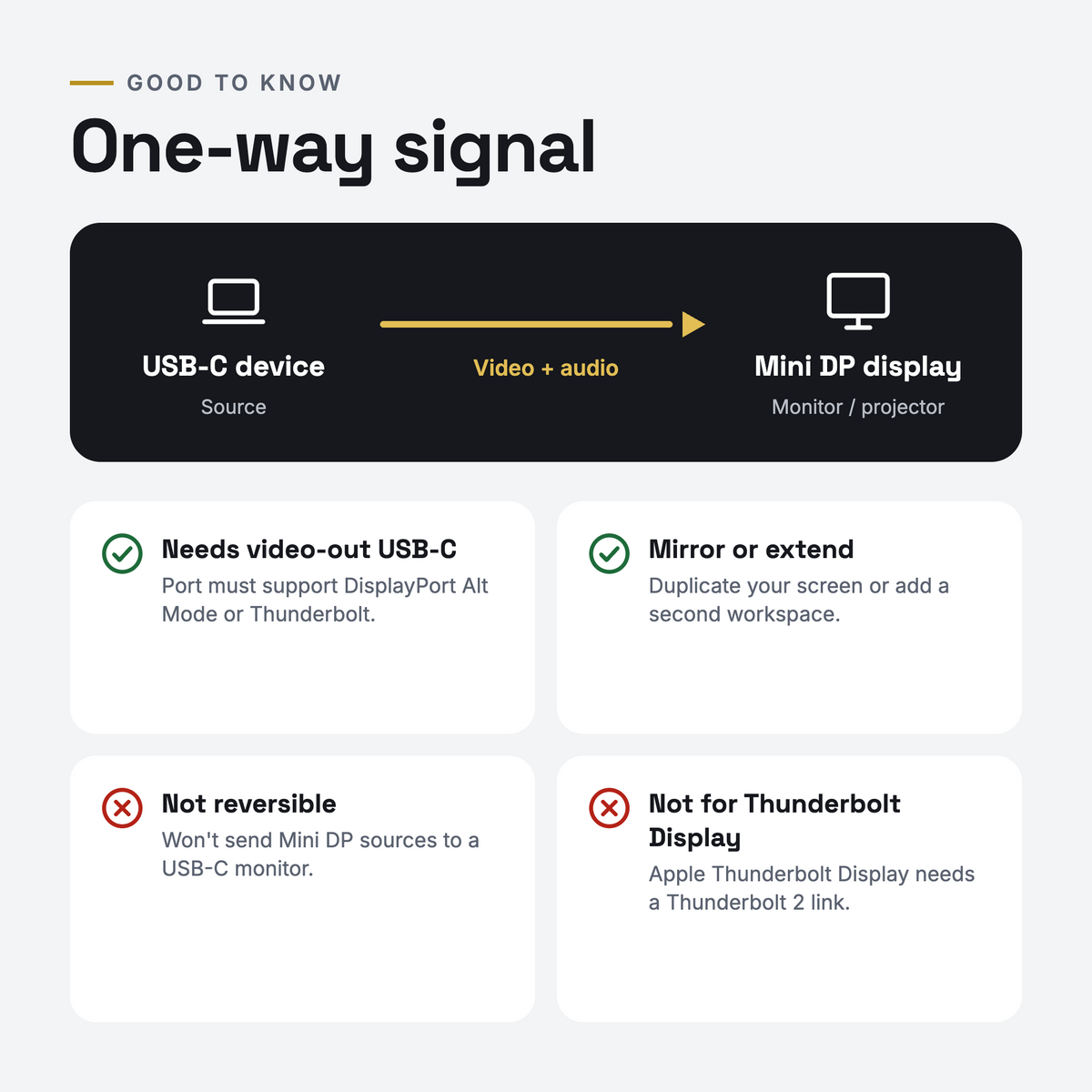
Può convertire solo il segnale da USB-C (Type-C) a Mini DisplayPort. Questo non è un cavo bidirezionale. Questo cavo NON è compatibile con Intel Thunderbolt 2. Prima di acquistare questo adattatore, assicurati che il tuo dispositivo (computer/tablet/smartphone) supporti la modalità alternativa HDMI/DisplayPort su USB Type-C.
Scopri come identificare se il tuo display Apple utilizza Mini DisplayPort o Thunderbolt, quali Apple Cinema Display sono compatibili e come collegarli ai moderni laptop USB-C e Thunderbolt utilizzando Adattatore UPTab da USB-C a Mini DisplayPort
Se hai domande, puoi sempre contattarci. Ti risponderemo il prima possibile, entro 24 ore nei giorni feriali.
-
Informazioni sulla spedizione
Elaboriamo e spediamo la maggior parte degli ordini in giornata. I tempi di consegna variano in base al metodo di spedizione selezionato al momento dell'acquisto. Assicurati che l'indirizzo di spedizione sia corretto per evitare ritardi.
-
Servizio Clienti
Il nostro team è qui per aiutarti! Per domande o assistenza, contattaci via email o tramite il nostro modulo di contatto. Ti risponderemo il prima possibile.
-
FAQ
Quando verrà spedito il mio ordine?
La maggior parte degli ordini viene elaborata e spedita il giorno stesso. I tempi di consegna dipendono dall'opzione di spedizione selezionata al momento del pagamento.
Qual è la vostra politica sui resi?
Gli articoli possono essere restituiti entro 30 giorni nella confezione originale, con tutti gli accessori inclusi. -
Contattaci
Hai domande o hai bisogno di aiuto? Siamo qui per te.
Servizio clienti disponibile dal lunedì al venerdì, dalle 9:00 alle 17:00 (EST)
E-mail: cs@uptab.com
Telefono: 1 (877) 333-1505
Oppure usa il nostro modulo di contatto—risponderemo tempestivamente.
Hi,I have used UPTab USB-C to Mini Display Port Adapter with my old Mac Cinema Display. It works fine but I have no sounds in Cinema Display speakers.:-(SynReginaldo
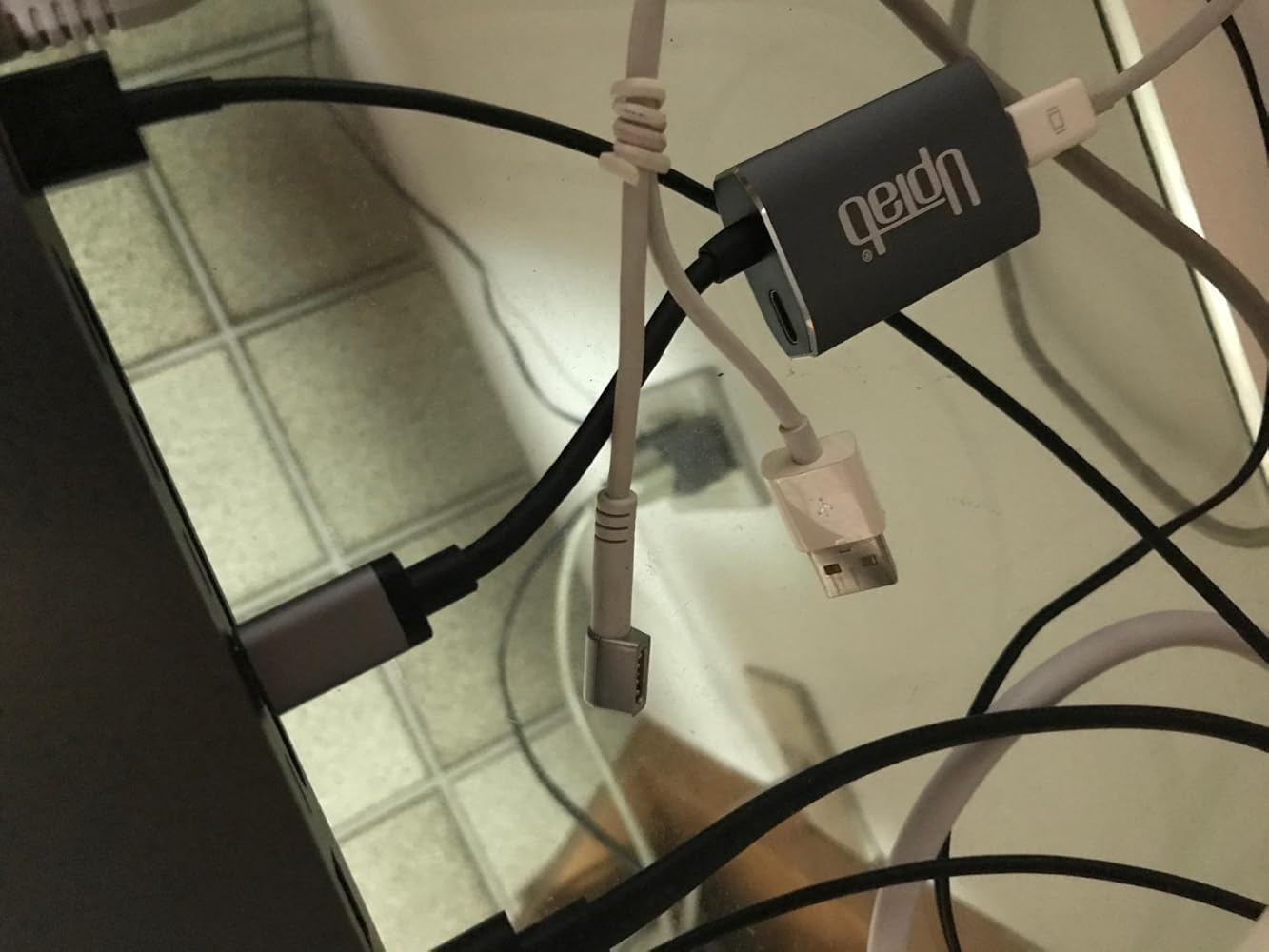
Let me first say that I'm using a 2017 Macbook Pro (thunderbolt 3) with a 2011 27-inch Cinema Display (mini displayport). These specifically are mentioned as being compatible with this adapter, and it works as advertised - see the picture (running Boot Camp / Windows 10).The description of this adapter very clearly states (and shows!) that it will work with the exact equipment I have - and it does. If you're using HDMI, DVI, 4K, LG, Dell, etc....I really have no idea about that, so good luck!
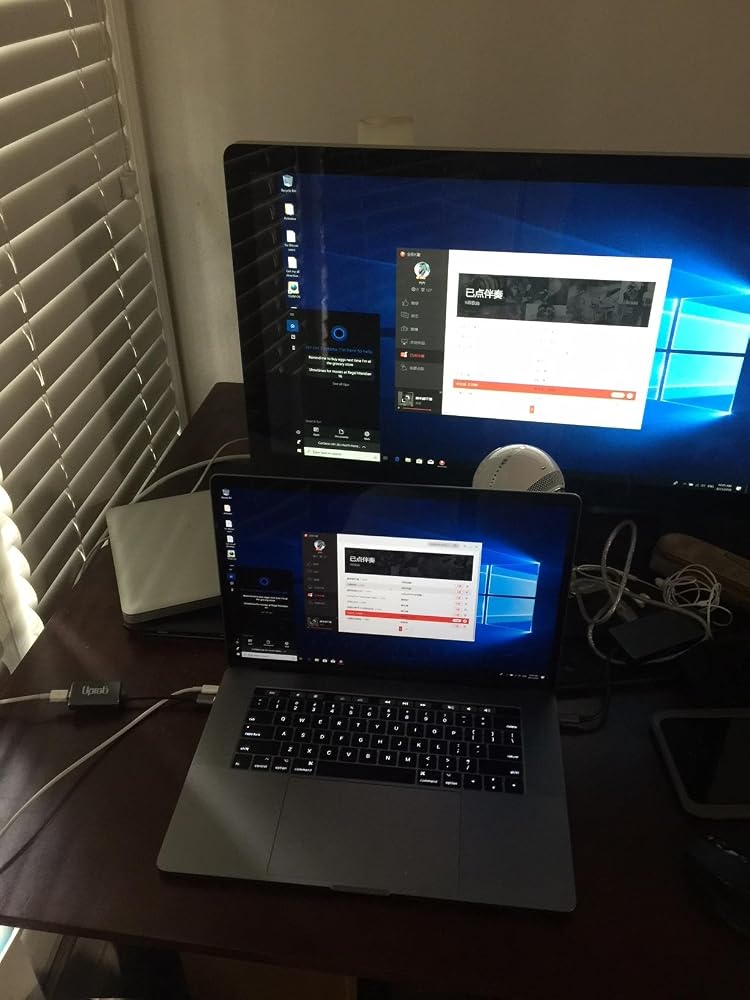
Faulty adapter, but a good resolution.
Toimii! It works!
I picked up two USB-C to Mini DisplayPort Adapter 4K@60Hz - Graphites to use my 2-27" legacy Apple Cinema Displays on my new to me 2019 Mac Pro. Shipped quickly. Well packaged. Worked from first plugging them in. I have had them a few weeks now. There is the occasional flicker or banding, but I think it may be a video card issue, not the adapters. I haven't done anything intensive yet that would eat up video card memory and RAM, but the behavior fits more with those two possibilities. I would recommend these adapters to anyone who needs to add their legacy monitors to a more current Mac without giving it a second thought. Thank you, Uptab for a reliable and inexpensive product!
Doesn‘t work.
Adapter broke after six weeks, with both Amazon and the manufacturers offering no help with a replacement. Avoid this product and Amazon.
It worked at first and pleased about it. Now, not working at all. Bought it last Aug 5 and used it for some time (coz I really seldom use it! ) for my Mac mini 2 connected to an old Apple-led cinema display. I on the computer yesterday, monitor no picture. Tried to on it again today, still the same! Shocked that it is not working at all now! Within 2+ months after I ordered it, it didn't even last longer.
Didn't work. Like, at all. Computer doesn't even see the device.
I bought this 11 months ago and it has completely stoped working. I have bought a different model and it works perfectly.
Doesn't work.
Does not work with 2017 MacBook.
I purchased for my new MacBook Pro [2016 retina with USB-C] and it did not allow 4k video on my Dell P2715Q [2015] 4k monitor. Research before you purchase if you want 4K output.
didnt work .. i have everything right and dosnt work
My display is older -- and it has the square display port symbol, so I thought this UpTab would work. Nope. I even tried using it with a newer MacDisplay (2018 I think) and nothing. Super disappointed in the product, and that I missed the return time period. UGH!
NOTE: DOES NOT SUPPORT THE CAMERA IN THE APPLE LED CINEMA DISPLAY!!!
I'm using this adapter to connect to an Apple Cinema Display LED (27-Inch) (model A1316). On startup the monitor is not detected. Sometimes tapping the fingerprint scanner to put the machine to sleep and closing and reopening the laptop lid gets the monitor to be recognized. More often, 1 or 2 reboots are required before it is detected. Also, sporadically, when waking the laptop from screensaver, the monitor resolution is magnified even though the System Settings indicate the default resolution is selected. Choosing a different resolution and changing back to default does not resolve. It's been a disappointing and frustrating experience so far..
Didn't work with my good old (11 years) Dell 3007WFP and the original Apple Mini DisplayPort to Dual-Link DVI Adapter even though advertised as if it should work with active dual link DVI, which worked just fine on my old 2014 MBP.Returned it.Time to retire the old monitor, got me an Acer widescreen 38" inch now, better fit for the new MBP anyway.
I tried to save a few bucks and buy this adapter instead of the Apple brand, and unfortunately the power passing through the adapter was insufficient to power my raid (which is also direct connected to the wall). Once I purchased the Apple version, it booted up no problem. I should have known to stick to Apple !
Didn't make it to 2 years. All of a sudden just stopped working today. I didn't use this dongle daily so 2 years might be generous? Until it stopped working it did it's job well.
Bild wird übertragen. Ton nicht. Keine Helligkeitssteuerung.
Display colors are dim, hue is off, no brightness control. Maybe something is wrong with my copy. MacBook Pro 2021 into 27” LED Cinema Display.
Successfully connects a modern USB-C MacBook Pro to the 30” Apple Cinema Display (2560×1600) if using the genuine Apple Mini DisplayPort to Dual-Link DVI adapter. Maintains full resolution and stable signal with no flicker or artifacts. Unlike many USB-C to Mini DisplayPort adapters, this one properly supports the legacy DisplayPort 1.1/1.2 timing required by the Apple Dual-Link adapter. NOTE: The StarTech USB-C to Mini DisplayPort adapter (model CDP2MDPEC), while similar in spec, did not work in this setup. External USB power (5V 2A or higher) must be supplied to the Dual-Link adapter for the system to function. Confirmed working with macOS Sequoia 15.5 on Apple Silicon.
I don't write reviews but thought I must for this product. It does work. I does allow me to hook up my old Apple Cinema Display to my new MacBook Pro. I will give it that. But the auxiliary outlet has never worked. Also, the display doesn't always turn on when it should. I need to reboot it by unplugging/plugging it back in, Frustratingly so.
Adapter is able to connect to Macbook Pro M1 Max to Apple cinema HD 30 from 2008, using the apple double link DVI to DisplayPort adapter.
The adapter works fine with my 5th-generation iPad Air and a 24" Apple LED Cinema Display. It turned the older display into a nice setup for easier editing of my travel videos.
This worked great for my setup and it display images crystal clear. This worked for my 2019 Macbook Air and Apple Monitor. I plugged in my monitor to this adapter and the USB-C end to my macbook and it worked great !
I have a 2023 MacBook Pro 14" M2 and a 27" LED Cinema display and everything works great BUT I cannot adjust the brightness. And yes, I have both this adapter plugged into the mini display port and the USB plugged in from the Cinema display's 3-wire cable. I've also set the preference to manually adjust the brightness on my laptop to manual and it works fine on the laptop but has no effect on the 27" display. It's not the worst problem but I would like to lower the brightness at times.
Liked the power + video capabilities but after 6mos it failed both power and video.
I got this to use an older Apple Cinema Display with an M1 Max MacBook Pro since apples adapters don’t allow this to work and this adapter 100% got the job done.
Spedizione gratuita oltre $50
Spedizione in giornata per la maggior parte degli ordini