

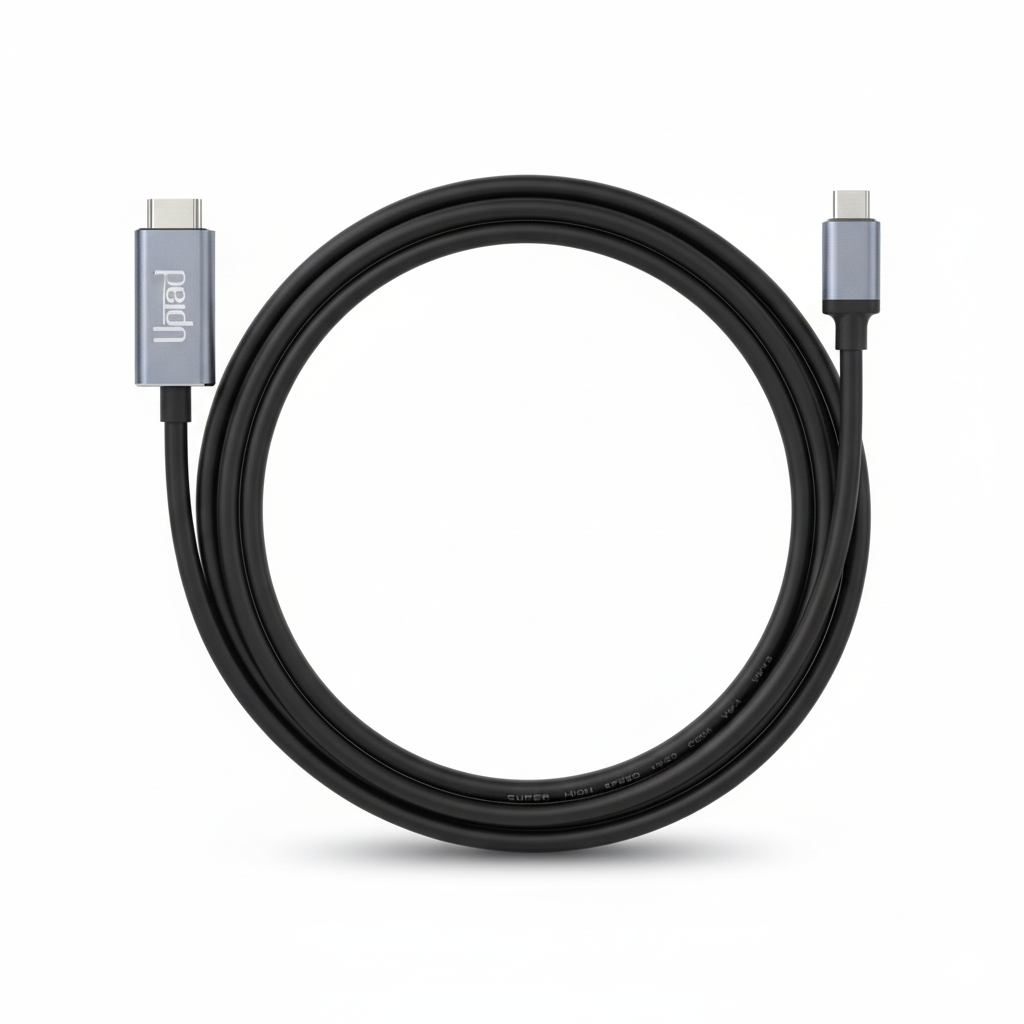
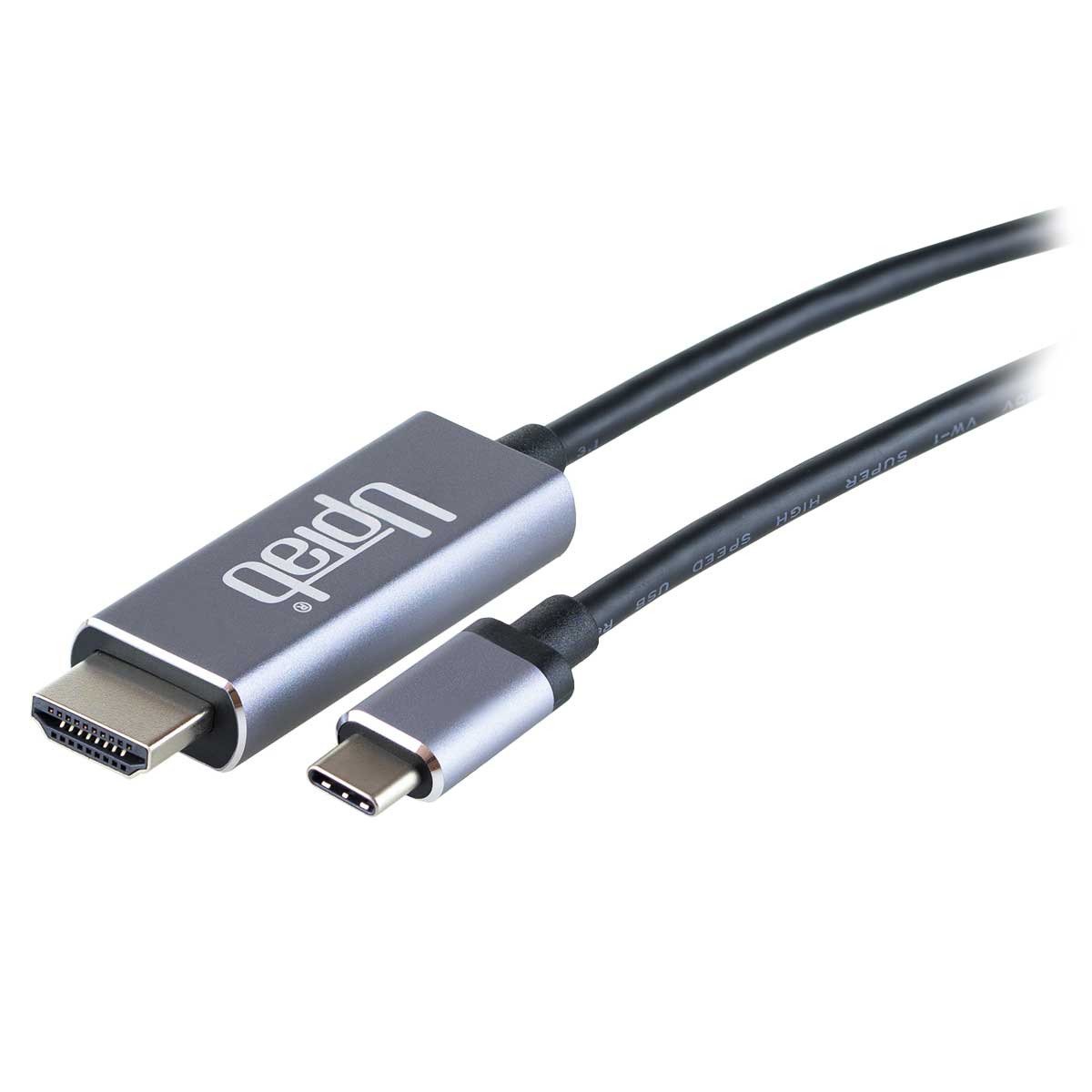
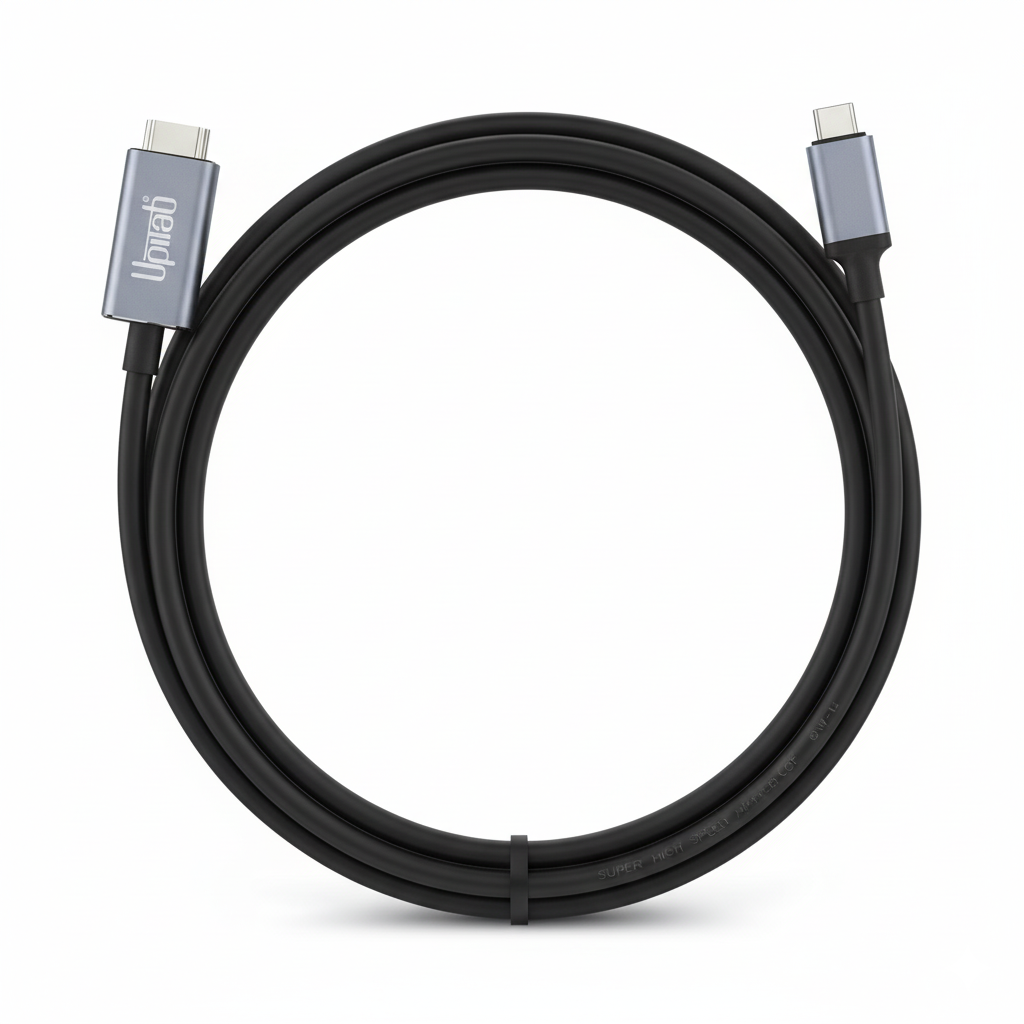
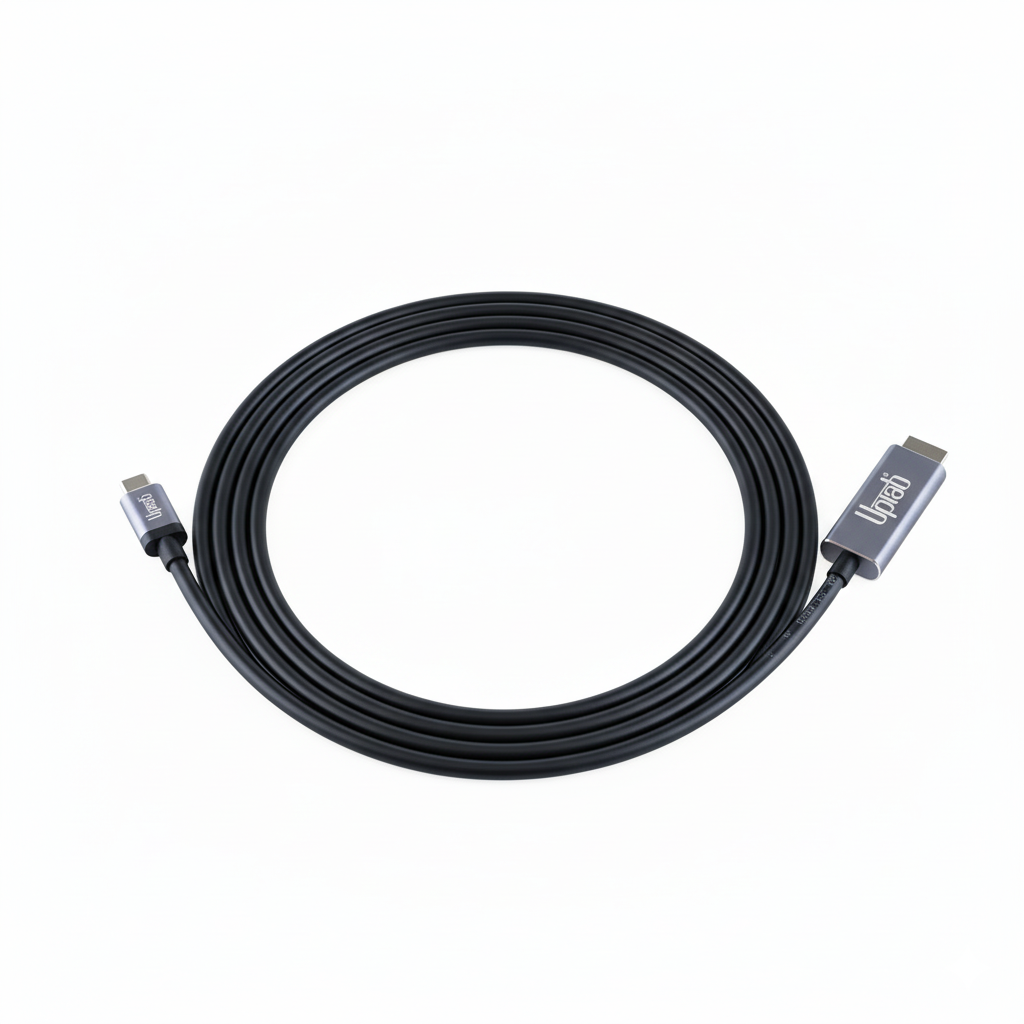
Cavo USB C (tipo C) a HDMI 2.0b 4K con HDR 2M/6,56 piedi
Informazioni su questo articolo
Si abbina bene con
SPEDIZIONE IN GIORNATA ordina entro le 11:00 (EST)
Spedizione gratuita per ordini superiori a $ 50
Supporto tecnico
Restituzione entro 30 giorni
1 anno di garanzia
Cavo USB C (tipo C) a HDMI 2.0b 4K con HDR 2M/6,56 piedi
Dettagli del prodotto
Il cavo UPTab da USB C 3.2 a HDMI 2.0b consente a un computer di connettersi a un display HDMI UltraHD, anche senza una porta HDMI sul computer. Questo adattatore è ideale per chi è impegnato in informatica, giochi o grafica di alto livello fornendo le massime prestazioni disponibili.
Collega l'estremità USB C (tipo C) del connettore al computer e collega il cavo HDMI 2.0 esistente dal display o dalla TV all'adattatore. L'adattatore converte il segnale video USB C in un segnale HDMI fino a UHD 4K 4096x2160@60Hz con High Dynamic Range (HDR).
Il cavo adattatore consentirà il vero colore RGB senza la degradazione visiva del colore che si verifica in altri formati di colore che utilizzano il sottocampionamento. Quando si desidera l'audio, l'adattatore DisplayPort trasmetterà anche fino a 8 canali audio per un'esperienza audio e video coinvolgente.
Compatibile con:
- Apple MacBook, MacBook Pro, nuovo MacBook Air, iMac, Mac Mini, iPad Pro, Samsung S10, Lenovo Yoga, Surface Book 2 e altro.
Specifiche:
- Ingresso: USB C (Tipo C) 3.2 o Thunderbolt 3
- Terminale di uscita: HDMI 2.0b
- Segnale HDMI fino a UHD 4K 4096x2160@60Hz
- HDR10 ad alta gamma dinamica, HDR10+ e Dolby Vision HDR
- Trasmetti fino a 8 canali audio per un'esperienza audio e video coinvolgente
- Lunghezza 2 metri / 6,56 piedi
- 1 anno di garanzia
Nella scatola:
- 1 cavo UPTab da USB C (tipo C) a HDMI 2.0b HDR 4K
Note: Funziona solo su porte USB-C che supportano la modalità DP Alt.
Se hai domande, puoi sempre contattarci. Ti risponderemo il prima possibile, entro 24 ore nei giorni feriali.
-
Informazioni sulla spedizione
Elaboriamo e spediamo la maggior parte degli ordini in giornata. I tempi di consegna variano in base al metodo di spedizione selezionato al momento dell'acquisto. Assicurati che l'indirizzo di spedizione sia corretto per evitare ritardi.
-
Servizio Clienti
Il nostro team è qui per aiutarti! Per domande o assistenza, contattaci via email o tramite il nostro modulo di contatto. Ti risponderemo il prima possibile.
-
FAQ
Quando verrà spedito il mio ordine?
La maggior parte degli ordini viene elaborata e spedita il giorno stesso. I tempi di consegna dipendono dall'opzione di spedizione selezionata al momento del pagamento.
Qual è la vostra politica sui resi?
Gli articoli possono essere restituiti entro 30 giorni nella confezione originale, con tutti gli accessori inclusi. -
Contattaci
Hai domande o hai bisogno di aiuto? Siamo qui per te.
Servizio clienti disponibile dal lunedì al venerdì, dalle 9:00 alle 17:00 (EST)
E-mail: cs@uptab.com
Telefono: 1 (877) 333-1505
Oppure usa il nostro modulo di contatto—risponderemo tempestivamente.
Bought many other options but they all failed the claims of HDR compatibility. The product (cable and ends) are of superb quality, packaging has plenty of information in PERFECT ENGLISH. Most importantly, it enabled HDR on a MacBook Air M1 with CalDigit Element Hub running MacOSX Monterey, and did so on a Thinkpad X270 running Windows 10 Pro. Price of 2 cables was less than 1/3rd of what I paid for a single cable that failed to solve my problem.Curious and would like to pay for and try other products from this manufacturer.


This cable worked perfectly for what I needed, to drive a 4K 60Hz 10-bit monitor/TV (TCL 43S525 with HDMI version 2.0a I think) with a MacBook Pro 13 Retina (2017). I also tried it with my Samsung S10e phone to run DeX on the same TCL monitor, but the screen flashes black every few seconds. I think it's a problem between the phone and TCL TV, though, not the cable.I did have a problem with the first cable flashing black on everything I tried, but UPTab customer service was excellent and they sent out a new cable immediately!
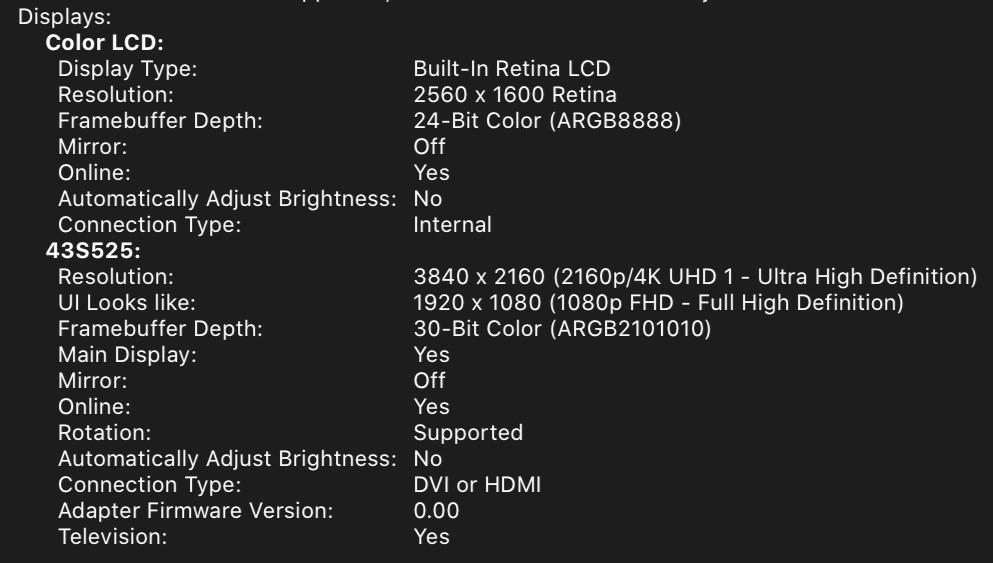
First cable I found that actually supports MacBookPro 16" (BigSur OS) natively with the LG OLED TV . Tested 2018 and 2020 OLED TVs. Perfect for Video editing where you need a quick way to view 4K HDR output . Tested in Premiere Pro 2021 v15.2. - macOS BigSur v11.4 and Windows 10 DirectX12 now support HDR directly making this super easy. Applications like Adobe Premiere Pro also use this OS level HDR support . Just set Premiere Pro's preference for Extended Range.
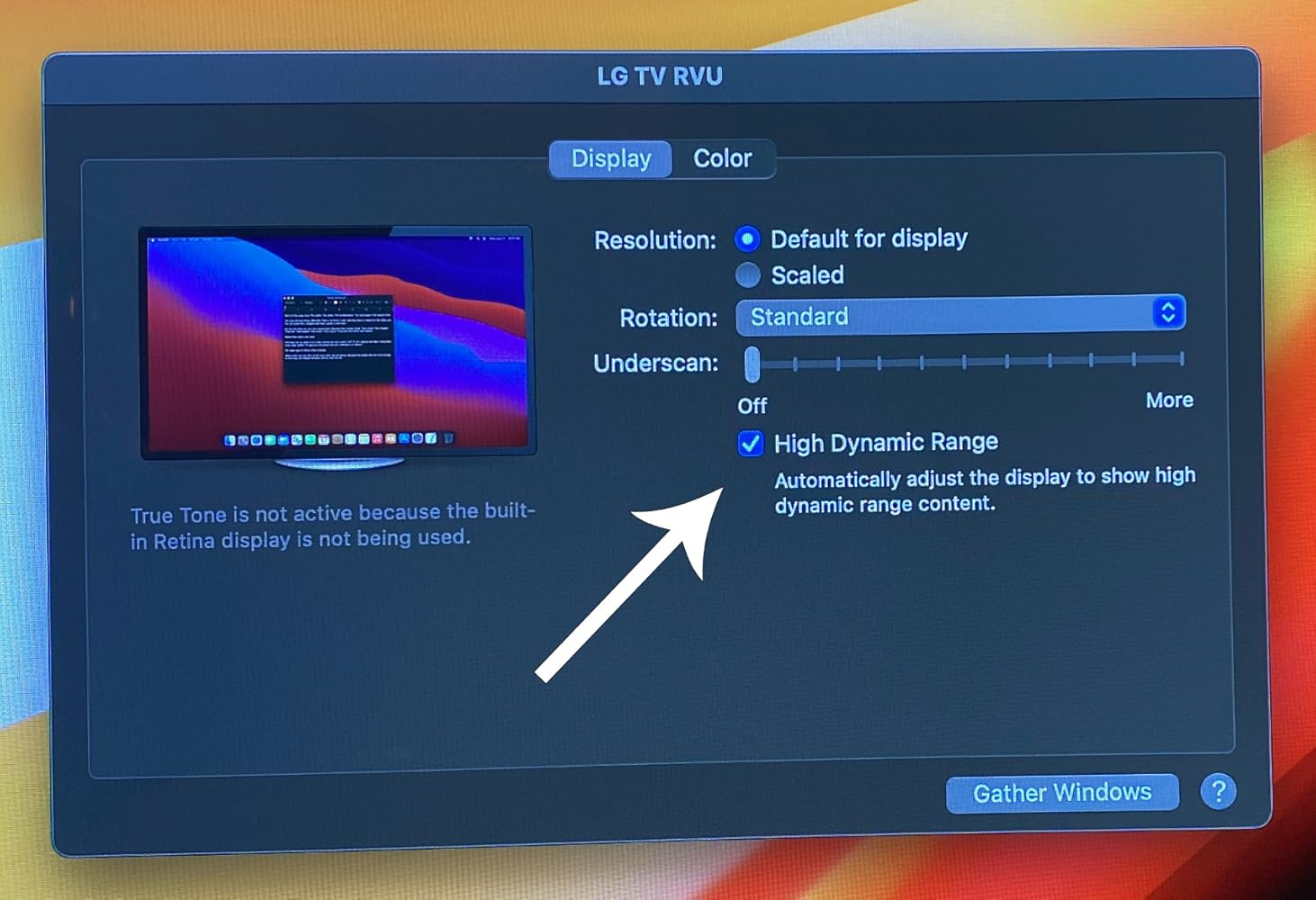
Buy this product, not other cheap products.
Works as intended
Very good cable.
None
This made connecting a 2nd monitor to my laptop super easy!
Used this cable to connect my 4k Dell monitor to my mac book pro 2017 laptop. Worked as expected, good quality.
Works great! Finally I can play 4k HDR contents on my Macbook Pro by simply connecting it to a TV.
Great value, compact, versatile device for leveraging mobile enjoyment of HD programming. Works as advertised. Be aware device display quality May have to be adjusted Depending on source media and source device. For example, Netflix HD output from my Dell XPS13-9370 Looks HD on a hotel LG HDTV from the get-go, but my Samsung Galaxy S9+ displayed dark and had to be corrected through TV display adjustments - an Easy Fix.
I can connect my surface pro to my tv with no problem. There is no lag and the picture quality is great.
Spedizione gratuita oltre $50
Spedizione in giornata per la maggior parte degli ordini